

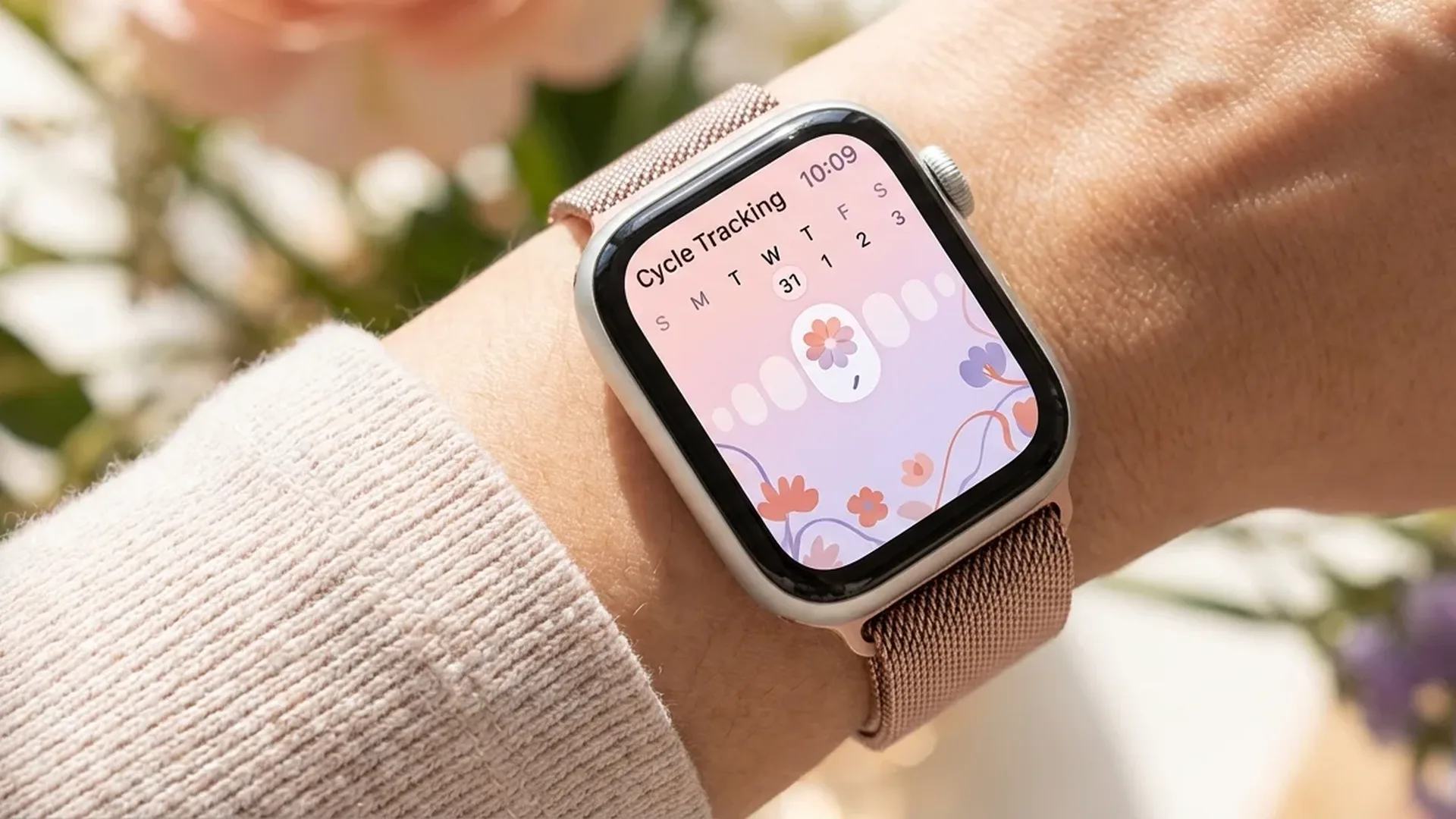
The Cycle Tracking app on Apple Watch is a comprehensive tool that helps millions of women monitor their menstrual cycle right from their wrist. From logging periods and symptoms to receiving retrospective ovulation estimates via the wrist temperature sensor, this guide covers everything you need to know as of February 2026.
📖 Read more: Wrist Temperature: What It Tracks and Why It Matters
What Is Cycle Tracking
Apple's Cycle Tracking app was first introduced with watchOS 6 and has since evolved into one of the most reliable menstrual cycle tracking tools on the market. It works on both Apple Watch and the Health app on iPhone, giving you a complete picture of your cycle at any moment.
With this feature, you can log your period days, note symptoms, record ovulation test results, and receive predictions for your next cycle. Apple designed the app with simplicity in mind so that daily logging takes no more than < 30 seconds of your time.
Wrist Temperature Sensing
Starting with the Apple Watch Series 8 and later, the device includes a wrist temperature sensor that measures your baseline body temperature during sleep. This sensor records changes with an accuracy of < 0.1 degrees Celsius and uses the data to provide retrospective ovulation estimates.
The sensor works with two measurement points — one on the back crystal close to the skin and one beneath the display. This dual-sensor approach allows the system to compensate for environmental factors and focus on your actual body temperature. For reliable results, you need to wear the Apple Watch to sleep for at least < 5 consecutive nights to establish an initial temperature baseline.
Important Note
The temperature sensor provides retrospective ovulation estimates — meaning it informs you that ovulation likely occurred after it has already happened, by analyzing the biphasic temperature shift. It does not predict future ovulation in real time.
How to Set Up the App
Initial setup is straightforward and is done through the Health app on your iPhone. Follow these steps to get started:
📖 Read more: Blood Pressure on Apple Watch: Activation Guide
- Open the Health app on your iPhone
- Tap Browse at the bottom of the screen
- Select Cycle Tracking
- Tap Get Started and enter basic information: average cycle length, date of last period
- Enable period prediction notifications if desired
Once setup is complete, the Cycle Tracking app automatically appears on your Apple Watch. You can access it from the app grid or add it as a complication to any watch face for quick daily logging.
Symptom Logging
One of the most useful features of the app is the ability to log symptoms. Each day you can note:
- Cramps — intensity ranging from mild to severe
- Headaches — track frequency and correlation with your cycle
- Mood changes — fluctuations related to hormonal shifts
- Spotting — light bleeding outside your regular period
- Fatigue — energy levels throughout the cycle
- Breast tenderness — a common premenstrual symptom
- Ovulation test results — positive or negative
Consistent symptom logging significantly improves prediction accuracy. After < 3 cycles of logging, the app begins to recognize your patterns and provide more personalized estimates for your upcoming periods and fertile windows.
Predictions and Notifications
Apple Watch uses the data you log to generate cycle predictions. These include:
- Period prediction — when your next period is expected
- Fertile window estimate — the days with the highest likelihood of fertility
- Cycle Deviation notification — if your cycle shows irregular variations
The Cycle Deviation feature is particularly important, as it can alert you to changes in your cycle length or frequency. Irregular cycles can be indicative of various health conditions, and early recognition is invaluable for proactive health management.
Pro Tip: Fertile Window
The fertile window estimate is based on statistical models and your personal data. Apple emphasizes that the feature is FDA cleared for cycle tracking, but it should not be used as a method of contraception.
📖 Read more: AI Disease Diagnosis: How Apple Watch Data Trains Models
Privacy and Data Security
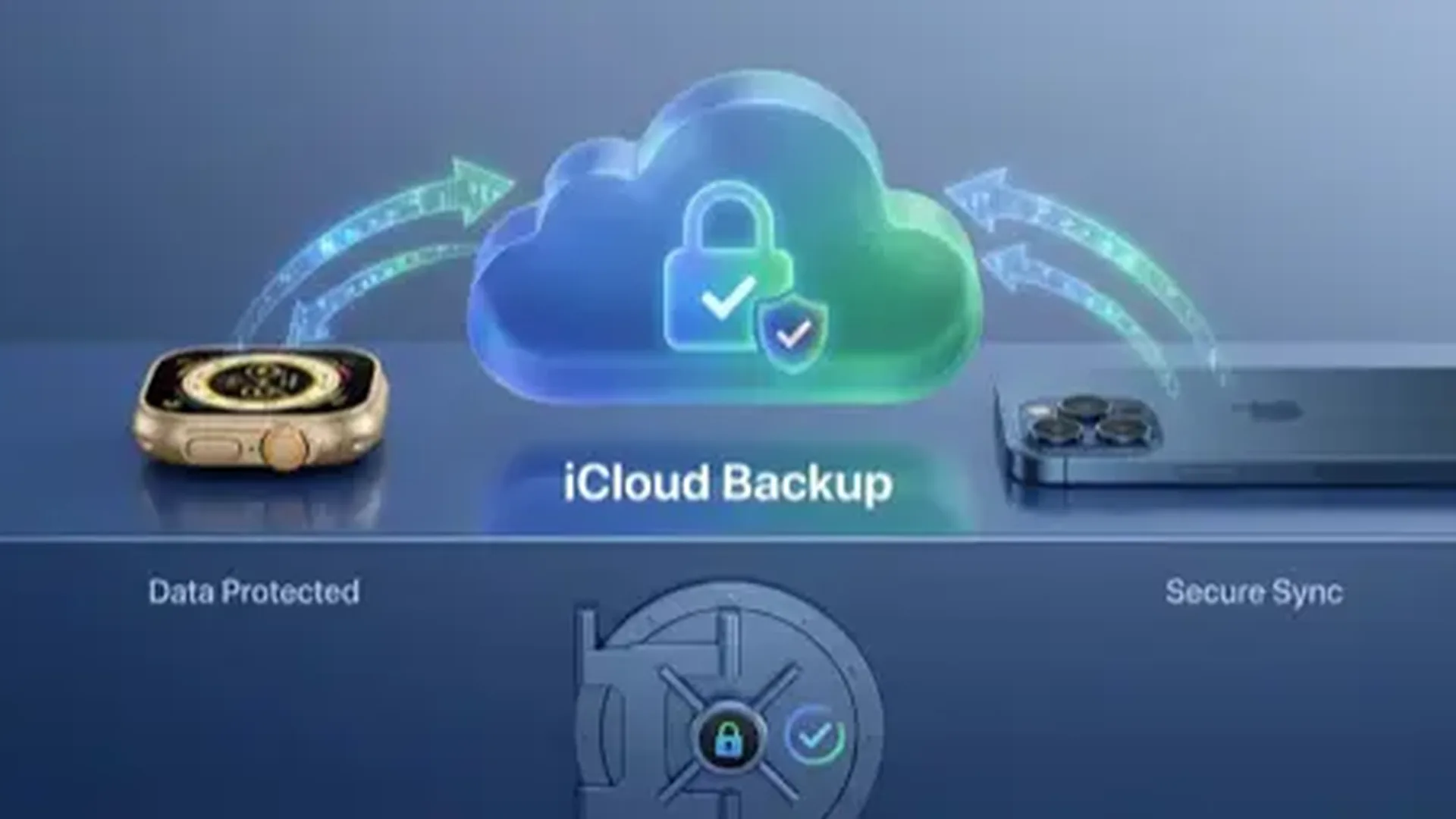
Apple has placed significant emphasis on protecting cycle data. All information you log is encrypted end-to-end when using iCloud. This means that not even Apple itself can read your data. In today's digital landscape, this level of protection is essential, especially for sensitive reproductive health information.
Health data is stored locally on your device and synced in encrypted form only if you have iCloud Health enabled. You can also lock the Health app with Face ID or Touch ID for additional security. No third party has access to your data unless you grant explicit permission through the Health Sharing feature. You remain in full control of who sees your health information and can revoke access at any time from the Health app settings.
History, Trends, and Sharing
The Health app on iPhone provides a complete view of your cycle history. You can see trend charts, average cycle length, period days per month, and many other statistics. This information is extremely useful during visits to your gynecologist.
You can share your cycle data directly with a healthcare provider through the Health Sharing feature. Your doctor receives access to specific data categories that you choose, allowing them to monitor your cycle remotely and identify any concerning patterns without needing to be physically present.
📖 Read more: Apple Watch vs Fitbit Charge 6: Fitness Comparison
Tips for Accurate Tracking
To get the most out of the Cycle Tracking app, follow these tips:
- Wear your watch every night — the temperature sensor needs at least < 5 nights of data per week
- Log symptoms daily — even mild symptoms improve accuracy
- Record the start and end of your period immediately — do not leave it for later
- Enter ovulation test results — if you use ovulation prediction kits
- Review trends monthly — check for changes in duration or symptoms
- Enable notifications — so you never forget to log
Frequently Asked Questions
Which Apple Watch models support the temperature sensor?
The wrist temperature sensor is available on the Apple Watch Series 8 and later, as well as Apple Watch Ultra. Older models support cycle logging but without temperature data and retrospective ovulation estimates.
Is the app medically approved?
Apple has received FDA clearance (De Novo classification) for the cycle tracking feature. However, the app is not approved as a contraceptive method and should not be used for that purpose under any circumstances.
How accurate are the predictions?
Accuracy improves over time. After < 6 months of consistent logging, the app provides fairly accurate estimates. The temperature sensor significantly enhances retrospective ovulation estimates by detecting the biphasic thermal shift.
Can I use the app without an Apple Watch?
Yes, you can use the Cycle Tracking feature solely through the Health app on iPhone. Of course, without an Apple Watch you will not have wrist temperature data or the retrospective ovulation estimates that depend on it.
Is my data safe?
Absolutely. Apple uses end-to-end encryption for health data on iCloud. This means only you can decrypt your information. Apple has no access to it, and the data cannot be read even if servers were compromised.
How does the Cycle Deviation notification work?
If the app detects that your cycle is significantly shorter or longer than your normal pattern, it sends you a notification. This can indicate hormonal changes, stress, or other factors worth discussing with your healthcare provider. The notification includes specifics about the deviation so you can share precise information during your next medical appointment.
Does Cycle Tracking work internationally?
Yes, the Cycle Tracking feature is available in over < 80 countries and regions. The app interface adapts to your device language, and all data syncs seamlessly across devices signed into the same Apple ID regardless of location.
Conclusion
Cycle Tracking on Apple Watch combines cutting-edge technology with respect for privacy. With consistent use, it becomes an invaluable tool for understanding your health. Start setting it up today and empower yourself with knowledge about your body.