🔄 Apple released watchOS 11.6.2 on February 5, 2026, a small but important update for Apple Watch. While it doesn't bring flashy new features, it focuses on security fixes and stability improvements that every Apple Watch owner should install. Let's take a detailed look at what's included.
📖 Read more: Apple Watch Series 11: Review After 6 Months
📋 What's Included in watchOS 11.6.2
According to the Apple Security Releases page, watchOS 11.6.2 was released without published CVE entries, meaning there are no specific references to vulnerabilities exploited by malicious actors. This indicates that these are primarily preventive fixes and improvements to the operating system's infrastructure.
As is well known, Apple doesn't always disclose the details of security updates until its investigation is complete and fixes are available. However, based on available data and user reports, we can draw useful conclusions about what's changing.
🔒 Security & Stability Fixes
watchOS 11.6.2 follows the pattern of so-called "point releases" — minor updates that Apple issues to patch security vulnerabilities and improve overall stability. While the changelog doesn't include an extensive list of changes, based on the company's practices, these updates typically address:
- WebKit vulnerabilities — The rendering engine used in websites and apps
- Kernel vulnerabilities — Improvements to the OS kernel to prevent privilege escalation
- Bluetooth & Wi-Fi fixes — Fixes to wireless connectivity protocols
- HealthKit improvements — More accurate health data recording
- Notification fixes — Addressing issues with delayed or missed notifications
📱 Which Apple Watch Models Are Supported
watchOS 11.6.2 is available for Apple Watch Series 6 and later. This means that if you own any of the following models, you can update right away:
It's worth noting that Apple simultaneously released watchOS 10.6.2 (for Series 4, 5, and SE 1st generation), watchOS 9.6.4, and even watchOS 6.3.1 for much older models. This shows that Apple continues to support older devices, at least when it comes to security issues.
⚙️ How to Install watchOS 11.6.2
The update process is straightforward, but there are a few prerequisites. Follow these steps:
Preparation
Make sure your Apple Watch has at least 50% battery and is on its charger. Your iPhone must be connected to Wi-Fi.
Via iPhone
Open the Watch app → General → Software Update. Tap “Download and Install”.
Directly on the Watch
Alternatively, from the watch: Settings → General → Software Update. Requires a Wi-Fi connection.
💡 Tip: If the update doesn't appear, make sure your iPhone is running the latest version of iOS. Also try restarting both devices before checking again.
🕐 Installation Time & What to Expect
According to user reports on forums like MacRumors and Reddit, installing watchOS 11.6.2 takes approximately 15-30 minutes, depending on the model and connection speed. During installation, the Apple Watch will display the familiar circular progress indicator.
The update size ranges between 80-150 MB depending on the model, which is quite small compared to major updates (e.g., watchOS 26 or watchOS 11.5 which exceeded 500 MB). This means the download will be fast even with a moderate Wi-Fi connection.
📊 watchOS 11.6.2 vs Previous Updates
To better understand where watchOS 11.6.2 fits in the ecosystem, let's look at a comparison with recent updates:
🔍 Why “Small” Updates Matter
Many users tend to ignore minor updates like watchOS 11.6.2, assuming they don't offer anything meaningful. This is wrong. According to cybersecurity experts, point releases are often more critical than major updates, and here's why:
First, zero-day vulnerabilities pose a serious threat. Apple has dealt with many such vulnerabilities in recent years, some of which were actively exploited by malicious actors. According to reports, in 2024 Apple patched over 20 zero-day vulnerabilities across its entire ecosystem.
Second, chain security plays a crucial role. The Apple Watch is tightly connected to the iPhone and stores sensitive health data. A vulnerability in the watch could theoretically serve as an entry point for broader attacks.
Third, cumulative effectiveness. Each small update slightly improves performance, battery life, and stability. Over time, these minor improvements make a noticeable difference in daily use.
📖 Read more: Apple Watch Series 11 vs Ultra 3: Which Should You Choose in 2026?
⚠️ Known Issues & Troubleshooting
Every update, even the smallest ones, can cause issues for some users. According to reports on Reddit and Apple Support Communities, some users experienced the following issues after recent watchOS updates:
If the installation gets stuck, remove the Apple Watch from the charger, restart it (by pressing and holding the side button), and try again.
It's normal for the battery to drain faster in the first 24-48 hours after an update, as the system performs background indexing.
If an app isn't working properly, try deleting it and reinstalling it through the Apple Watch App Store.
🗺️ The Bigger Picture: watchOS 11 vs watchOS 26
This update is likely one of the last for the watchOS 11 series. Apple already released watchOS 26 (following the new naming convention without the "11″) in September 2025, which is the current main operating system for newer Apple Watch models.
However, Apple continues to support watchOS 11 with security updates for users who haven't yet upgraded to watchOS 26. This is a practice the company has followed for years, ensuring that even the slowest-to-upgrade users remain protected.
⚡ Important: If you haven't upgraded to watchOS 26 yet, seriously consider doing so. watchOS 26 brings significant new capabilities like Sleep Score, a revamped Smart Stack with AI suggestions, and Precision Finding support for AirTag 2. However, if you prefer stability, watchOS 11.6.2 keeps you safe.
📈 watchOS Update History: A Retrospective
The evolution of watchOS over the past few years has been impressive. From the original watchOS 1 in 2015 to today, Apple has transformed a relatively limited smartwatch OS into a full-fledged health, fitness, and communication platform.
The watchOS 11.x series in particular stood out for the following innovations:
- The Vitals app that monitors key health metrics during sleep
- Training Load for athletes who want to optimize their workouts
- The ability to pause Activity Rings without losing your streak
- Check In for safer workouts, especially at night
- The Translate app right on your wrist
- Live Activities support in Smart Stack
🎯 Should You Update?
The short answer is: yes, absolutely. Even though watchOS 11.6.2 doesn't bring new features, security updates should never be ignored. The data your Apple Watch stores and transmits — from health data to Wallet credentials — is sensitive and deserves maximum protection.
According to research data, over 30% of Apple Watch users delay installing security updates by more than a month, leaving their device exposed to known vulnerabilities. Don't be part of that statistic.
🔮 What's Coming Next: watchOS 26 & watchOS 12
Looking ahead, Apple is preparing major changes. According to MacRumors reports, watchOS 12 (or watchOS 27, if the new naming convention continues) expected in September 2026 will bring:
Design changes inspired by visionOS
Apple Intelligence features
Live Captions & accessibility
Revamped Workout app
Apple appears to be preparing a major interface overhaul, inspired by visionOS's “glass” aesthetic, with translucent elements, lighting effects, and rounded buttons. This will be a change similar to what we saw in watchOS 10, which radically changed navigation gestures.
📝 Final Thoughts
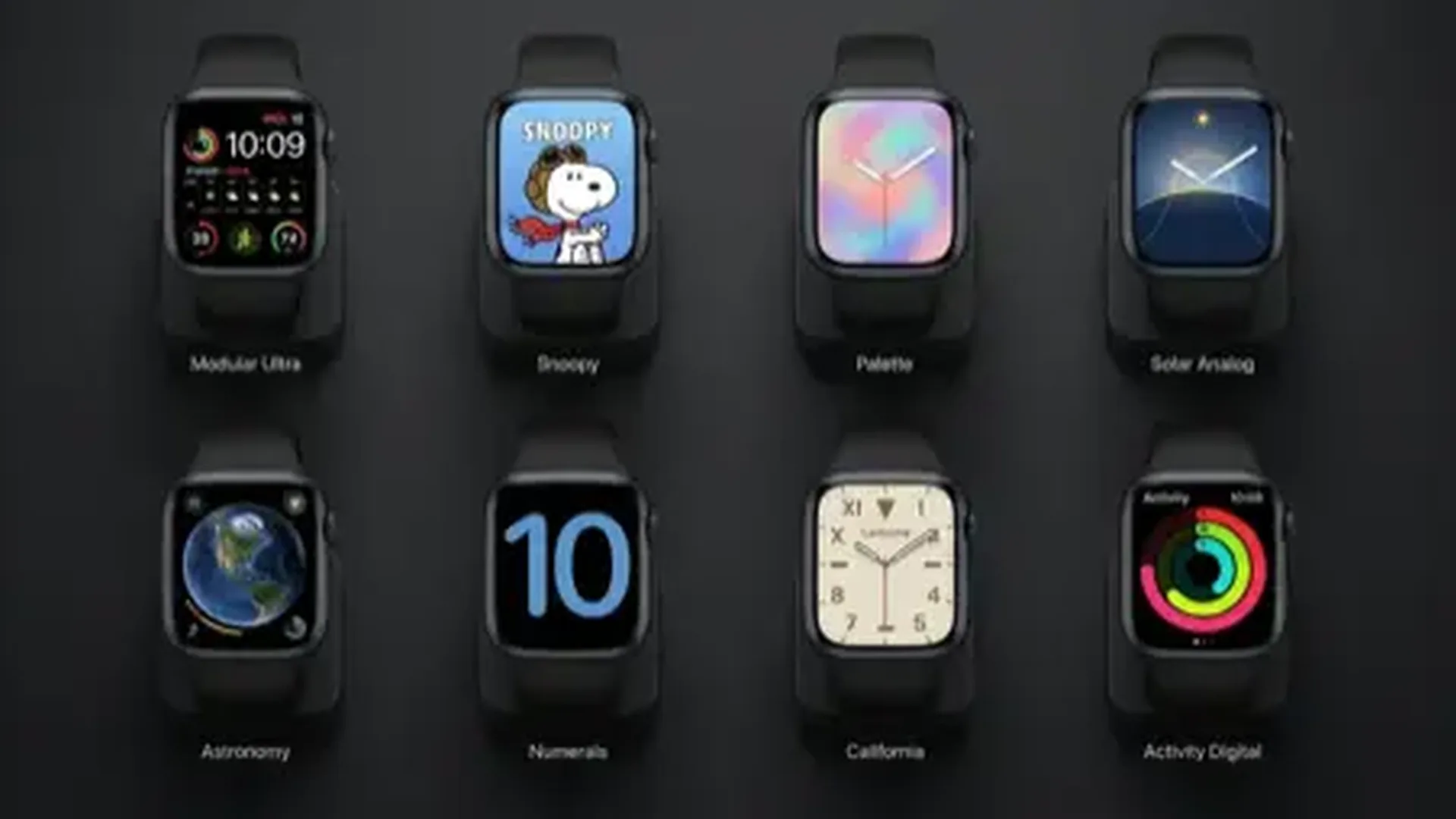
watchOS 11.6.2 won't make headlines. It doesn't bring new watch faces, doesn't add new apps, and doesn't change how we interact with the Apple Watch. But that doesn't mean it's not important.
Device security is fundamental. Every update we install strengthens the “walls” that protect our data — from heart rate measurements to payment cards in Wallet. Take a few minutes, put your Apple Watch on the charger, and update today.
In an era where digital threats are constantly increasing, the best defense is an up-to-date operating system. And that applies as much to your phone as to the watch on your wrist.
⌚ Not sure which version you're running?
On your Apple Watch, open: Settings → General → About and check the “Software Version”. If you don't see 11.6.2, it's time to update!