

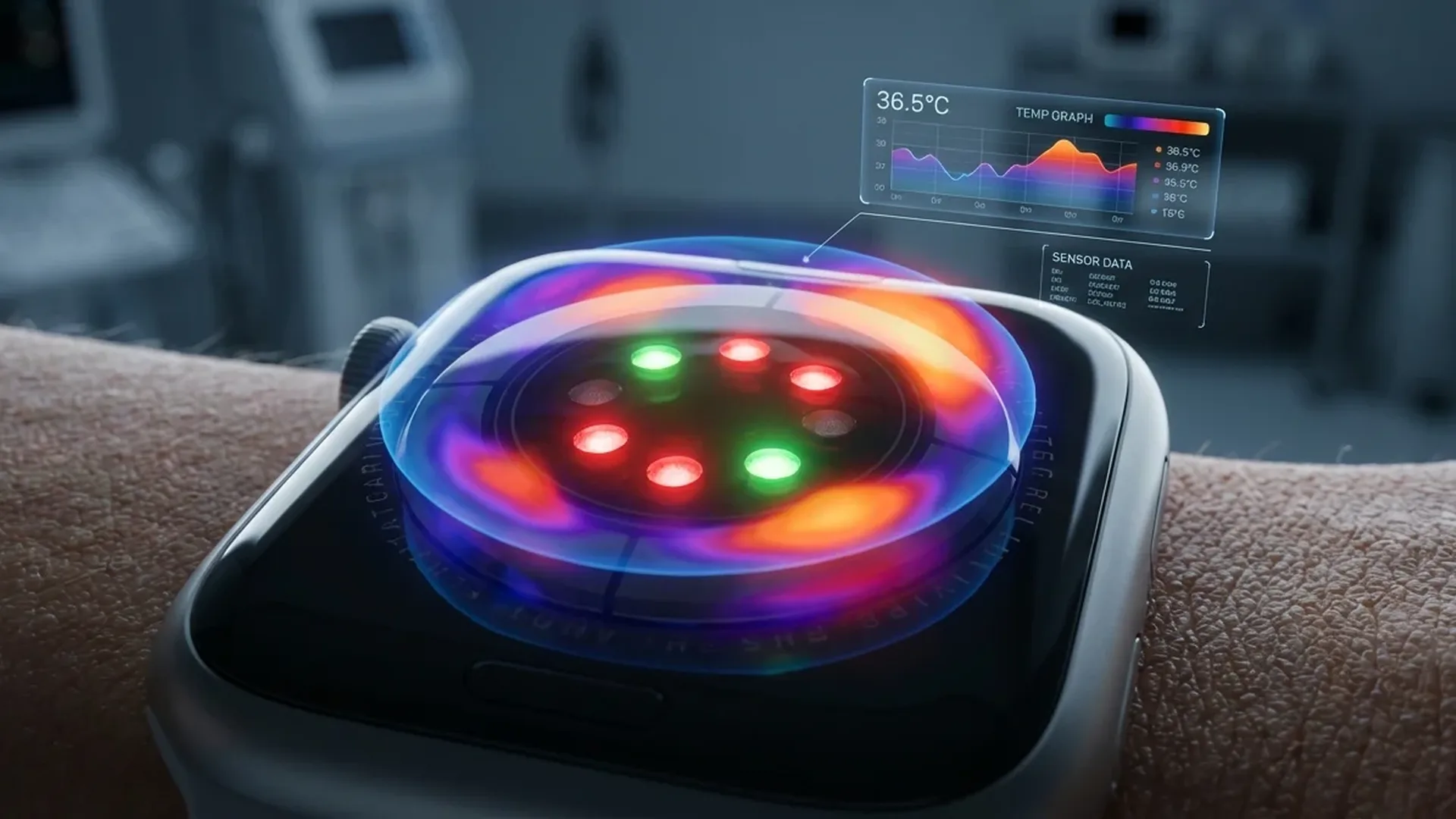
Starting with Apple Watch Series 8, Apple introduced a wrist temperature sensor that works every night while you sleep. It does not measure absolute body temperature — it tracks relative deviations from your personal baseline. That may sound simple, but this technology opens the door to retrospective cycle tracking, fever trend detection and potentially much more in the future.
📖 Read more: Cycle Tracking: Complete Apple Watch Guide
How the Sensor Works
Apple Watch uses two temperature sensors — one on the back crystal (in contact with the skin) and one beneath the display. The second serves as an ambient temperature reference so the system can subtract external influences and isolate your body heat.
During sleep the sensor takes a reading every < 5 seconds. This high sampling frequency allows the construction of a detailed temperature profile for each night. The data is stored in the Health app and presented as a chart of deviations from your baseline — for example +0.3°C or -0.2°C relative to your personal average.
The system needs at least < 5 nights of sleep data to establish a baseline. During this initial period, wear the watch every night and make sure Sleep Focus is enabled. After those first nights you begin seeing data in the Health app.
Important Clarification
The wrist temperature sensor is not a medical thermometer. It does not show that you have 37.2°C — it shows that tonight your temperature is +0.3°C above your baseline. These relative changes are actually more medically useful than a single reading, because they reveal trends over time.
Cycle Tracking: The Primary Use
The main use of the temperature sensor, according to Apple, is retrospective ovulation estimation. Body temperature rises slightly after ovulation due to progesterone. This change, known as a biphasic shift, is very small — typically < 0.2°C to < 0.5°C — but the Apple Watch sensor is sensitive enough to detect it.
In the Cycle Tracking app the temperature data appears automatically alongside other cycle information. The ovulation estimate is retrospective — meaning it tells you that ovulation likely occurred 2-3 days ago, not that it is happening now. This means it cannot be used as a contraceptive method, but it is extremely useful for understanding your cycle patterns.
Fever Detection and Illness Trends
Beyond cycle tracking, wrist temperature can reveal fever trends. If your baseline has been stable for weeks and you suddenly see +0.8°C or +1.0°C, this may indicate an emerging infection or virus — potentially before you even feel symptoms.
During the COVID-19 pandemic numerous studies showed that nightly wrist temperature rises before clinical symptoms appear. While Apple Watch does not diagnose illness, monitoring trends can make you more cautious earlier and prompt a check-up sooner.
Which Models Are Supported
The wrist temperature sensor is available on Apple Watch Series 8, Series 9, Series 10, Series 11, Ultra and Ultra 2. Older models (Series 7 and below) as well as the SE do not have this sensor. If wrist temperature tracking matters to you, make sure you buy the correct model.
What the Health App Shows
In the Health app wrist temperature appears in a detailed chart. The centre line represents your baseline temperature. Above and below you see nightly deviations. You can view data on weekly, monthly or six-month timescales.
Typical deviations range between -0.4°C and +0.6°C. Deviations greater than +1.0°C are worth paying attention to, especially if they repeat over multiple nights. Factors that affect wrist temperature include alcohol consumption, intense exercise before bed, room temperature and illness.
Comparison with Oura Ring
The Oura Ring is the most well-known competitor in nightly temperature measurement. It uses similar technology (NTC thermistor) but measures from the finger, where blood circulation is closer to the surface. The two systems show similar trends but with different absolute numbers.
Oura Ring tends to show slightly more “sensitive” data due to the measurement location, but it lacks the large display, notifications and complete smartwatch experience. If you are solely interested in sleep health, Oura Ring is outstanding. If you want a full wearable experience alongside temperature tracking, Apple Watch wins.
📖 Read more: Blood Pressure on Apple Watch: Activation Guide
Why Apple Chose Relative vs Absolute Temperature
Many users ask why Apple Watch does not simply show “37.2°C” instead of "+0.3°C above baseline." The reasons are both technical and regulatory. First, wrist temperature does not correspond precisely to core body temperature. An oral or ear thermometer measures closer to the core. Second, the accuracy is not clinical-grade — wrist measurements are influenced by room temperature, hand position and hair.
Third, the FDA (and similarly the European Union) has very strict requirements for devices that display absolute body temperature. Apple would need additional Class II or III certifications to show absolute numbers. By displaying relative deviations, the company avoids those regulatory hurdles while still providing useful health data.
Future Applications
Wrist temperature technology is still in its early stages. Possible future applications include earlier infection detection through AI analysis of temperature trends, stress monitoring via temperature fluctuations linked to cortisol and personalised sleep recommendations based on the body's thermoregulation patterns.
Apple is also exploring the use of temperature data in combination with heart rate and SpO2 for a more comprehensive health picture. The idea is that a wearable monitoring multiple biometric signals simultaneously can spot patterns that a single signal would not reveal. For instance, elevated nightly temperature combined with a higher resting heart rate could indicate an emerging illness with greater confidence than either measurement alone.
Research teams at universities around the world are already using Apple Watch temperature data in clinical studies. These include studies on fertility, sleep quality in patients with chronic conditions and even early detection of metabolic disorders. While results will take time, the direction is clear: wearables are becoming serious health tools, and wrist temperature is one of the most promising new data streams available to consumers today.
How Sleep Quality Affects Readings
The quality and consistency of your sleep directly influence the accuracy of wrist temperature data. Disrupted sleep — from insomnia, travel across time zones or irregular bedtimes — can produce noisy readings that make it harder for the system to establish a reliable baseline. This is why Apple recommends using the Sleep Schedule feature to maintain consistent sleep and wake times.
Room temperature also plays a significant role. If your bedroom fluctuates between warm and cold on different nights, the dual-sensor system compensates to an extent, but extreme variations can still affect the results. Keeping your bedroom between < 18°C and < 22°C provides the most stable environment for accurate readings. A fan running or a window left open on only some nights can introduce variability that is not related to your body at all.
Alcohol consumption is another major factor. Even moderate drinking before bed can raise wrist temperature readings noticeably because alcohol dilates blood vessels near the skin. If you see an unexplained spike, consider whether you had a drink the evening before. Over time, you will learn to distinguish lifestyle factors from genuine physiological changes in your temperature chart.
Tips for Accurate Readings
For the most reliable temperature data: wear Apple Watch snugly during sleep, enable Sleep Focus, keep room temperature consistent (< 18-22°C), avoid alcohol or intense exercise < 2 hours before bed, and wear the watch every night for continuous data.
Frequently Asked Questions (FAQ)
Do I need to wear the watch every night?
For continuous temperature data, yes. Missing one night will not break the baseline, but gaps make trend analysis harder.
Can I see temperature during the day?
No. Apple Watch measures wrist temperature only during sleep. During the day, movement, sunlight and ambient temperature would make readings unreliable.
Does it work on Apple Watch SE?
No. Apple Watch SE does not include the temperature sensor. You need Series 8 or later, or Ultra/Ultra 2.
How accurate is the measurement?
Apple states accuracy of ±0.1°C for nightly readings. That is sufficient to detect trends and shifts, although it does not replace a clinical thermometer.
Can it detect COVID or the flu?
It does not diagnose illness, but a sustained temperature increase (+0.5°C and above) over multiple nights can suggest your body is fighting something. Many users report seeing a rise < 1-2 days before symptoms appeared.
Is the temperature data shared with third parties?
No. The data is stored locally in the Health app and encrypted. You can share it with a doctor through Health Sharing, but Apple does not have access to it.