📖 Read more: Apple Watch vs Oura Ring 4: Watch or Ring?
What Is Hypertension and Why Is It So Dangerous?
High blood pressure affects more than 1.3 billion adults around the world, according to data Apple shared during the Series 11 announcement in September 2025. It's the leading cause of heart attack, stroke, and kidney disease — and the most alarming part is that it usually presents no symptoms at all.
That's precisely why hypertension is often called the “silent killer.” Millions of people live with it for years without knowing, because the condition goes undiagnosed due to a lack of regular checkups. Traditionally, measuring blood pressure required a doctor's visit or an at-home cuff monitor — a routine many people neglect.
How the Technology Works on Apple Watch Series 11
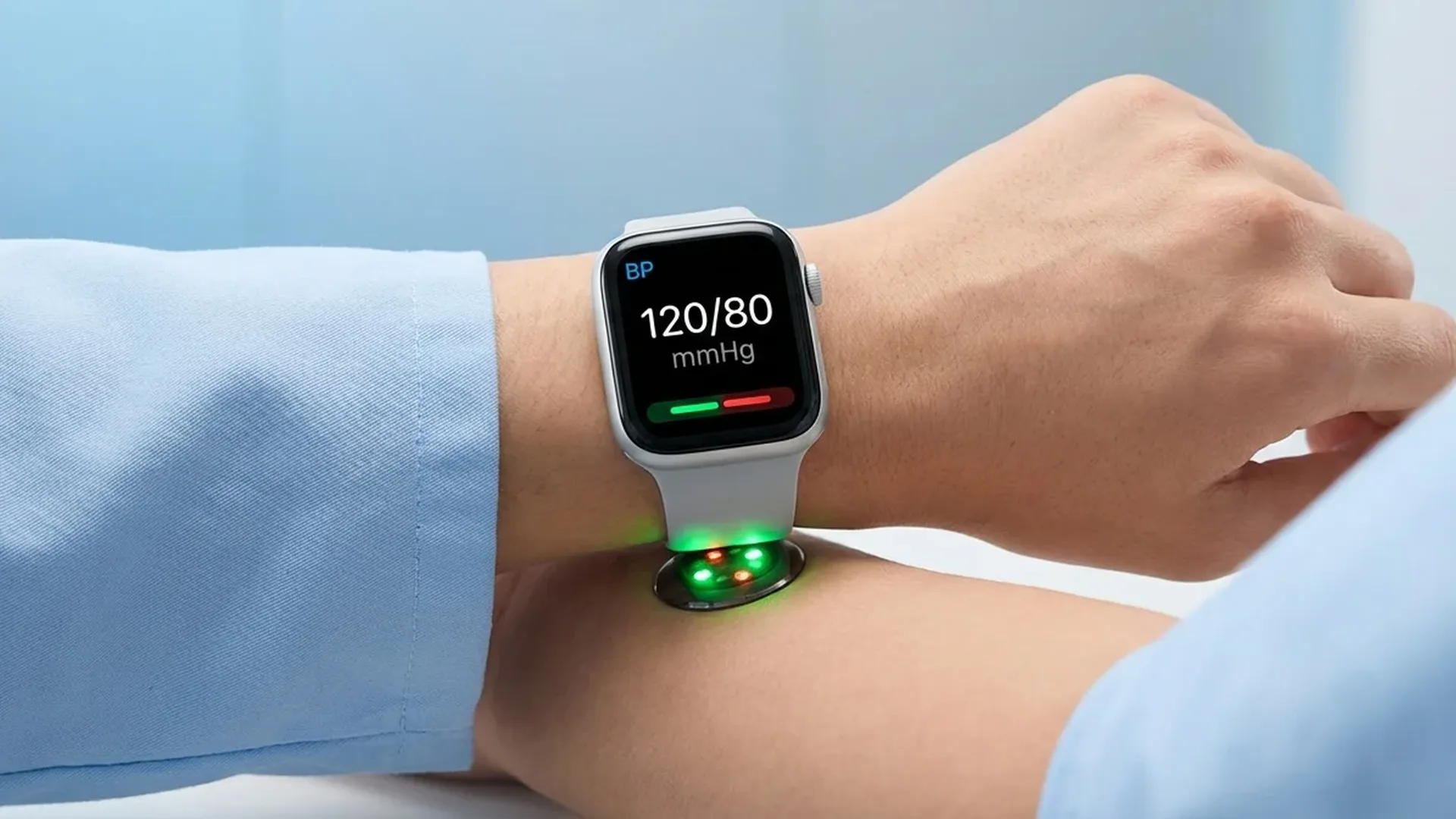
The Hypertension Notifications feature on the Apple Watch Series 11 doesn't measure your blood pressure in the traditional sense (i.e., in mmHg). Instead, it leverages the optical heart rate sensor on the back of the watch to analyze how your blood vessels respond to each heartbeat.
Specifically, the sensor examines the shape and speed of the pulse wave — essentially how blood moves through the vessels. This data feeds into a deep learning algorithm built using advanced machine learning techniques. The algorithm analyzes data collected over a 30-day period to identify signs of potential hypertension.
Clinical Validation
Apple developed this algorithm through clinical studies involving a total of more than 100,000 participants. The final clinical validation study was conducted with 9,800 participants, and the feature received FDA clearance (Food and Drug Administration) in the United States — a testament to the technology's reliability.
Step-by-Step Activation Guide
Setting up Hypertension Notifications on the Apple Watch Series 11 is relatively straightforward, though it does require some initial configuration. Follow these steps:
Step 1: Update Your Software
Make sure your Apple Watch is running watchOS 26 or later, and your iPhone is on iOS 26 or later. The feature is unavailable on older software versions. To update, go to your iPhone > Watch app > General > Software Update.
Step 2: Open the Health App
On your iPhone, open the Health app. Navigate to the “Heart” category and look for “Blood Pressure Notifications” or “Hypertension Notifications.” Follow the on-screen setup instructions.
Step 3: Initial Setup on the Watch
After enabling the feature on your iPhone, the Apple Watch will automatically begin collecting data in the background. You don't need to do anything extra — the sensor operates passively throughout the day, analyzing pulse wave data as you go about your routine.
Step 4: Wait 30 Days
The algorithm needs at least 30 days of continuous use to gather enough data for reliable results. During this period, wear the watch as often as possible — ideally all day and through the night.
What Happens If You Receive a Notification
If the algorithm detects signs of potential hypertension, you'll receive a notification on both your watch and iPhone. You'll then be prompted to set up a Blood Pressure Log using a traditional arm cuff and the Health app on your iPhone. This helps confirm the findings and lets you track your blood pressure over time.
Who Can Use This Feature
Apple is clear that Hypertension Notifications are not intended for everyone. There are specific limitations:
- Age: Not intended for individuals under 22 years old
- Already diagnosed: Not designed for people who already have a hypertension diagnosis — the feature targets early detection, not monitoring a known condition
- Pregnancy: Not intended for pregnant individuals
- Device: Available only on Apple Watch Series 11 — not supported on Apple Watch SE 3 or any earlier model
It's critical to understand that this tool doesn't replace your doctor. It functions as an early warning system — if you receive a notification, the next step should always be a visit to a healthcare professional for a thorough evaluation.
📖 Read more: VO2 Max on Apple Watch: What It Means for Your Health
Compatibility and Technical Requirements
To use hypertension detection properly, you'll need:
- Apple Watch Series 11 (GPS or GPS + Cellular)
- iPhone 11 or later running iOS 26
- watchOS 26 or later on the watch
- The feature must be available in your region — Apple is gradually rolling out availability across different markets
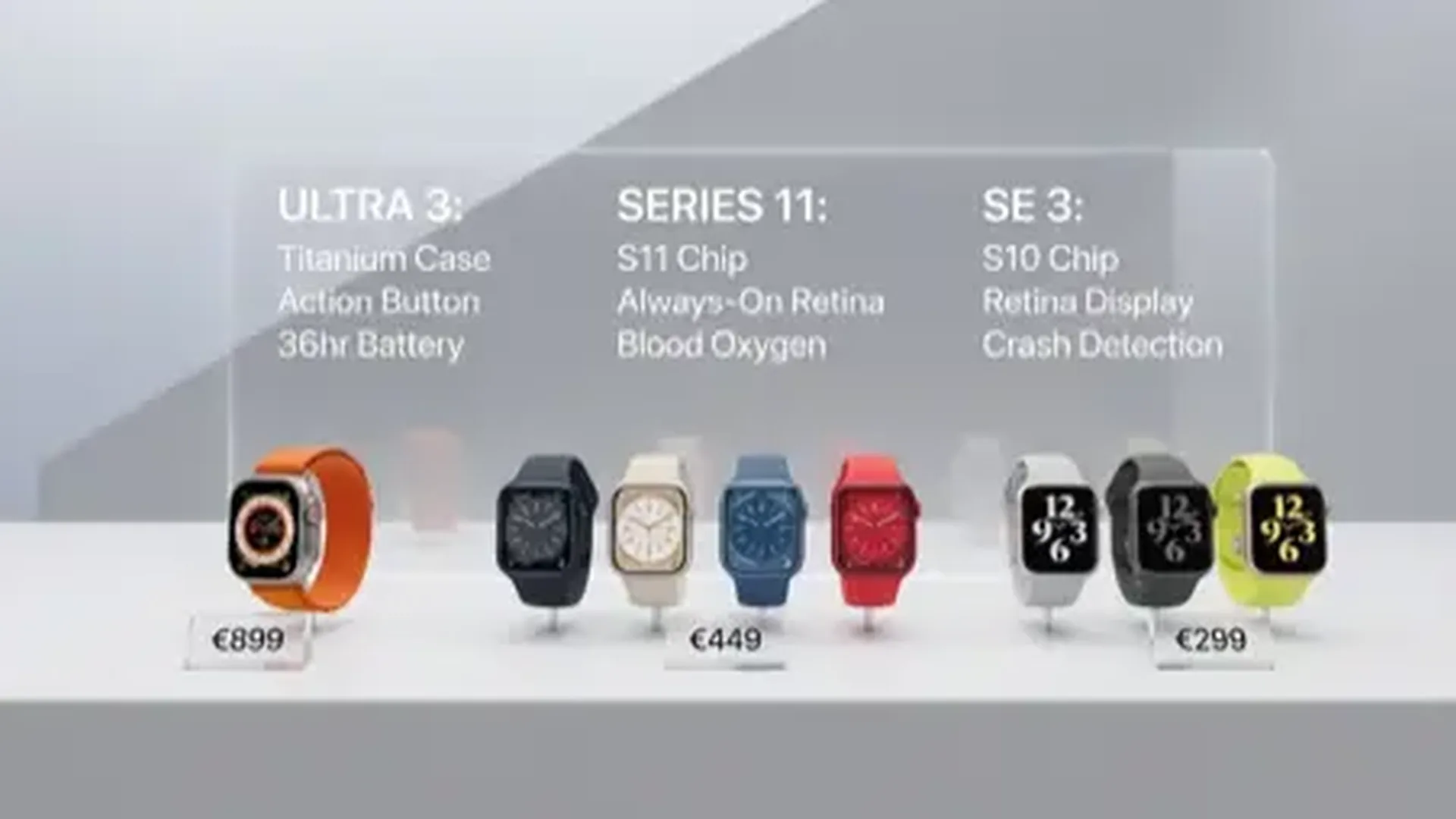
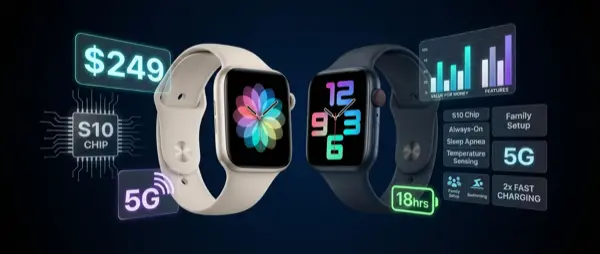
The Apple Watch Series 11 launched on September 19, 2025, starting at $399 for the GPS aluminum model. The Cellular version starts at $499. It comes in aluminum (Jet Black, Rose Gold, Silver, Space Gray) and titanium (Natural, Slate, Gold). Notably, the Series 11 is also the first Apple Watch with 5G connectivity.
Other Health Features on the Series 11
Beyond hypertension notifications, the Apple Watch Series 11 (and the broader Apple Watch lineup) offers a comprehensive health monitoring ecosystem:
- Electrocardiogram (ECG): Single-lead ECG readings directly from your wrist — FDA-cleared since 2018
- Sleep Apnea Detection: FDA-cleared feature that monitors breathing patterns during sleep
- Sleep Tracking: Sleep Score with quality assessment
- Vitals App: A consolidated view of vital signs (heart rate, respiratory rate, wrist temperature, blood oxygen)
- Cycle Tracking: Ovulation estimation via the wrist temperature sensor
- Blood Oxygen: SpO2 saturation measurement — the feature returned to the US in August 2025 following the legal dispute with Masimo
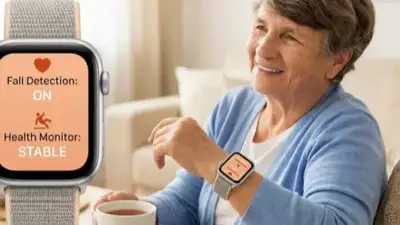
- Fall Detection & Crash Detection: Automatic emergency calls when incidents are detected
Frequently Asked Questions
Does it actually measure blood pressure?
Not in the traditional way. It doesn't provide mmHg readings (e.g., 120/80). Instead, it analyzes pulse wave data over a 30-day period and alerts you if it detects signs of potential hypertension.
What happens after I receive a notification?
Apple prompts you to create a Blood Pressure Log using a traditional arm cuff monitor. Your readings are recorded in the Health app and can be shared with your doctor.
Does it work on older models?
No. Hypertension Notifications are exclusive to the Apple Watch Series 11. It's not available on Series 10, SE 3, Ultra 3, or any older model.
Do I need to wear the watch constantly?
For optimal results, you should wear it as much as possible during the 30-day analysis period. The sensor collects data at random intervals, so the more you wear it, the more accurate the results.
"Hypertension impacts over 1.3 billion adults worldwide and is the leading cause of heart attack, stroke, and kidney disease. It often goes undiagnosed because it has no symptoms."
— Apple, Inc. (September 2025)Tips for Reliable Results
To get the most accurate readings from the hypertension detection feature, keep these tips in mind:
- Proper fit: Wear the watch snug on your wrist, about 1–2 finger-widths above the wrist bone. The sensor needs solid skin contact.
- Clean sensor: Regularly clean the back of the watch. Dirt or sweat can interfere with readings.
- Right band size: A loose band means poor sensor contact — your data may be inaccurate.
- Tattoos: Permanent wrist tattoos may affect the optical sensor, as photoplethysmography (PPG) technology relies on light reflected off the skin.
- Don't rely solely on the watch: If you receive a notification, see a doctor. The Apple Watch is not a substitute for medical diagnosis.
The Future of Wrist-Based Blood Pressure Monitoring
The Hypertension Notifications feature is a significant first step, but it's not a full replacement for a traditional blood pressure monitor. Apple has been clear that the technology is aimed at early detection — identifying people who may not have known they had a problem.
In the future, wearable blood pressure technology is expected to evolve toward continuous, real-time readings. Samsung and Google are both working on similar technologies, but Apple is the first to secure FDA clearance for such a feature on a smartwatch.
In the meantime, the recommendation is clear: use the Apple Watch as a prevention tool alongside regular medical checkups. The technology on your wrist can help catch a problem early — and that can literally make all the difference.