📖 Read more: 15 Hidden iOS 26 Features You Didn't Know About
What Is the Journal App
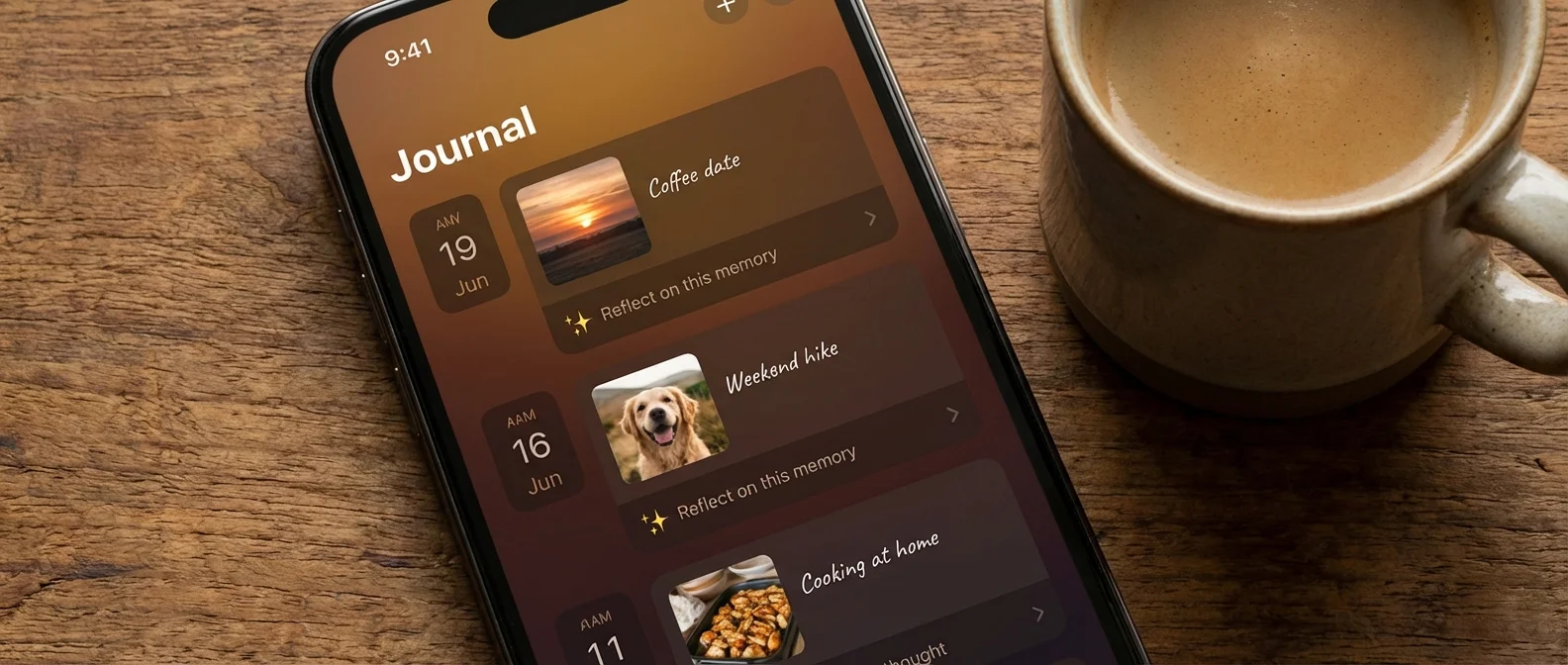
Journal is Apple’s diary app that uses on-device machine learning to suggest writing topics. It analyzes your photos, visited locations, music you listened to, your workouts, and even the people it knows you were with. All processing happens exclusively on-device — no data ever leaves your iPhone.
According to Apple, the app was designed specifically "to help users reflect and practice gratitude through journaling, which has been shown to improve wellbeing."
AI Writing Suggestions
When you open Journal, you see AI-generated suggestions based on your recent activity. Suggestions might include a group of photos from the weekend, a place you visited, a song you played on repeat, or a workout you completed. Tapping a suggestion automatically creates a draft with related media embedded.
Writing Prompts
Beyond AI suggestions, Journal offers inspirational writing prompts: “What made you happy today?”, “Which song gave you energy?”, “Write about a moment of gratitude.” These change regularly and are especially helpful for those who struggle to start writing.
📖 Read more: iOS 26 Complete Guide: Every New Feature Explained
Scheduled Notifications
You can set up notifications at a specific time each day (e.g., every evening at 9 PM) to remind you to write. Apple states that “scheduled notifications can help build a journaling habit.”
What You Can Add to an Entry
Each entry can include text, photos, videos, voice recordings, locations, and music. With iOS 26, images can be placed inline with text — no need to attach them separately at the end. Tap + to select the media type.
Bookmarking Moments
You can bookmark a Journal suggestion to write about later. Ideal for moments when you don’t have time but want to remember an experience.
📖 Read more: iPhone in Space: NASA Allowed iPhones on Missions
New in iOS 26: Multiple Journals & Map View
With iOS 26, Journal gets significant upgrades. Most importantly: multiple journals. You can now separate entries — one journal for travel, one for work, one for personal thoughts.
Additionally, a new map view displays entries based on location. You can see on a map where you wrote each entry, creating a visual diary of your travels and experiences.
Journaling Suggestions API
Apple also created a Journaling Suggestions API that allows third-party developers to use the same intelligent suggestions. This means journaling or wellness apps can integrate the AI-curated suggestions based on photos, locations, and activities, with the same level of on-device security.
📖 Read more: Call Screening on iPhone: See Who's Calling Before Answering
Mindfulness & Wellbeing
Multiple studies show that journaling improves mental health, reduces anxiety, strengthens memory, and helps with emotional management. The Journal app makes the process effortless — AI suggestions remove the “blank page” barrier that stops many people from starting. Combined with the Health app’s mental health features (mood logging, depression/anxiety assessments), it creates a comprehensive wellbeing system on iPhone.