📖 Read more: 15 Hidden iOS 26 Features You Didn't Know About
Liquid Glass — A New Design Era
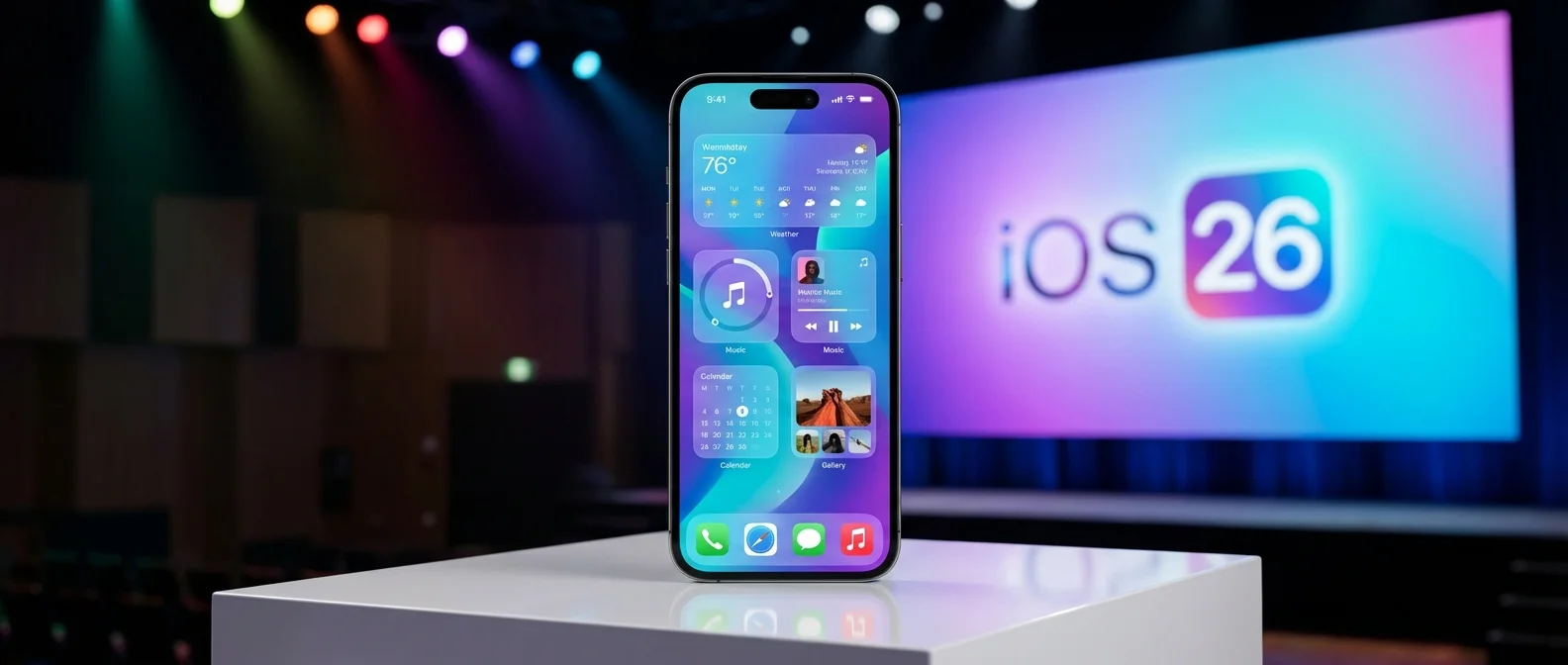
Apple replaced its entire design language with Liquid Glass 💎 — a translucent material that behaves like real glass. Navigation bars, buttons, widgets, and app icons gain depth and respond in real time as you move your iPhone, using real-time rendering for dynamic reflective highlights.
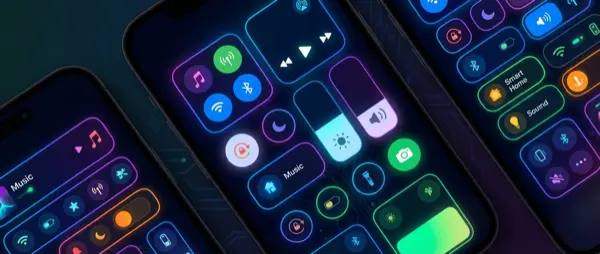
Pop-out menus appear dynamically — tap a small icon and the menu unfolds with additional options. Navigation elements disappear while scrolling to give content more room, then reappear when you scroll back up 🔄. Nearly every interface element is rounder — pill-shaped bars, circular Control Center buttons, and rounded cards and notifications throughout.
Phone: Call Screening & Hold Assist
The Phone app gained two game-changing features. Call Screening automatically asks unknown callers for their name and reason for calling — you see the details on screen before deciding whether to answer 📵. Hold Assist waits on the line for you when you're on hold with a company, notifying you once a live agent becomes available.
Live Translation translates phone calls in real time — you speak your language and the other person hears theirs 🌍. It works on phone calls, FaceTime video calls with subtitles, and even inside Messages.
Messages & Communication
Messages gets custom backgrounds for each conversation — choose sky, aurora, a color, or generate a background with Image Playground 🎨. Create polls in group chats (up to 12 options), send Apple Cash in groups, and filter spam messages into a separate folder. A new partial text selection feature lets you long-press and select just part of a message to copy ✂️.
Apple Intelligence — AI Everywhere
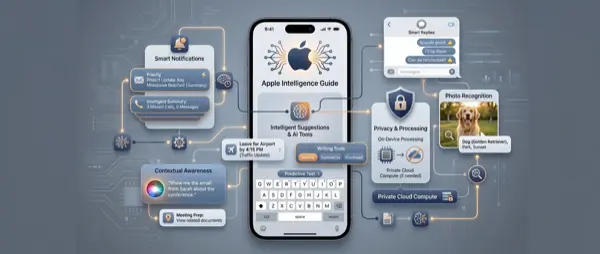
Visual Intelligence now works with screenshots 👁️ — capture your screen in any app and ask about what you see via ChatGPT GPT-5. It now identifies artwork, books, landmarks, and sculptures. Genmoji combines multiple emoji into new characters, while Image Playground adds ChatGPT styles — Anime, Oil Painting, Watercolor, and realistic images 🎭.
Shortcuts leverage on-device AI models to summarize PDFs, generate images, or edit text 📋. Reminders automatically suggests tasks and grocery lists based on your emails, and categorizes reminders into smart sections 🛒.
Camera, Photos & Apps
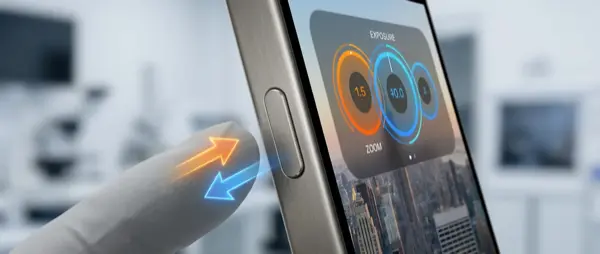
The Camera app was simplified to two main tabs — Photo and Video — with pop-out menus for extra settings. If the lens is dirty, your iPhone automatically alerts you 🔍! AirPods 4 and Pro 2 double as a camera remote — press and hold the stem to take a photo or start a video.
In Photos, Apple returned to the pre-iOS 18 design with separate Library and Collections tabs. Spatial Scene ✨ converts 2D photos into 3D images with depth and subtle motion. In Safari, advanced fingerprinting protection is active across all browsing by default, and every website added to the Home Screen now opens as a proper web app.
Apple Music & CarPlay
AutoMix 🎵 transitions between songs like a DJ — using time stretching and beat matching for a seamless shift. Lyrics Translation automatically translates song lyrics, and Lyrics Pronunciation helps you sing along. In CarPlay, the Liquid Glass redesign brings widgets, Live Activities, Tapback reactions in Messages, multi-touch maps, and video playback while the car is parked 🎬.
Battery & Adaptive Power
A new weekly battery dashboard shows exactly which apps drain power and why — background activity, screen time, or notifications 📊. Adaptive Power Mode 🔋 (iPhone 15 Pro+) uses Apple Intelligence to automatically reduce brightness and background tasks when usage is higher than normal. Plus custom snooze from 1–15 minutes ⏰, custom ringtones without GarageBand, Weather via satellite, and Wi-Fi Aware for peer-to-peer file transfers.