Since iPhone 15, all iPhones feature USB-C instead of Lightning. But not all ports are created equal — speeds, compatible accessories, and capabilities vary by model. Here's your complete guide.
📖 Read more: MagSafe Accessories iPhone 2026: 10 Must-Haves
⚡ Transfer Speeds by Model
The most important difference concerns Pro models. iPhone 15 Pro, 16 Pro, 17 Pro and Pro Max support USB 3.2 Gen 2 with speeds up to 10 Gbps — ideal for transferring ProRes video or large files to an SSD. Standard models (iPhone 15, 16, 17, Air) remain at USB 2.0 with 480 Mbps, sufficient for charging and basic data transfer.
🔌 Why Apple Adopted USB-C
The transition to USB-C began with iPhone 15 in September 2023, following European Union legislation mandating a common charging port for all electronic devices. Apple had until late 2024 to comply, but chose to make the switch globally from 2023 without keeping Lightning in any market.
The change ended 11 years of Lightning (2012-2023) and brings a massive advantage: the same cable for iPhone, iPad, Mac, AirPods, and even most Android smartphones. One cable in your bag is now enough for everything.
🎮 Compatible Accessories for Every USB-C iPhone
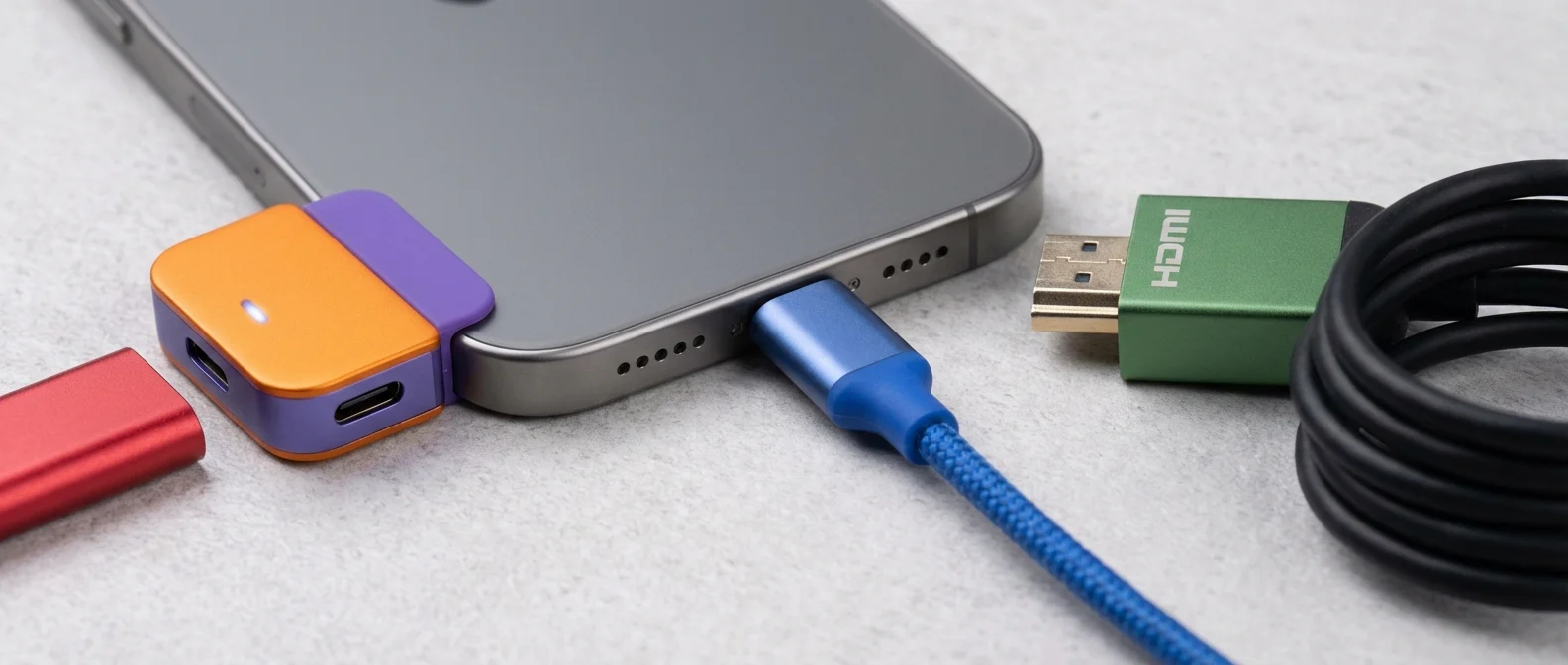
The USB-C port turns your iPhone into a connectivity hub. Here's what you can connect:
For All USB-C iPhones
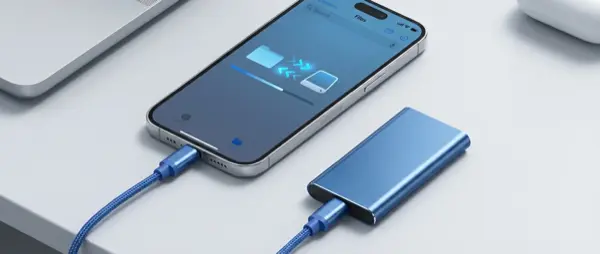
- USB drives & SSD — direct connection, managed via Files app. Supports exFAT, FAT32, APFS formats
- SD card readers — transfer photos from DSLR camera or drone without a laptop
- USB-C hubs — multiple connections simultaneously (HDMI, USB-A, SD, Ethernet)
- Ethernet adapters — stable, reliable internet without WiFi
- External microphones — Rode, Shure etc. for podcasting and recording
- MIDI instruments — keyboards and controllers for music production
- AirPods & Apple Watch charging — iPhone provides up to 4.5W reverse charging via USB-C
Pro Models Only (USB 3.2)
- External displays — up to 4K 60Hz via DisplayPort over USB-C, no adapter needed
- Fast ProRes video transfer — record directly to external SSD while shooting
- USB-C to HDMI — connect to TV or projector without Apple TV
- Satechi 7-in-1 MagSafe Hub — adds 7 ports to your iPhone (HDMI, USB-A, SD, microSD etc.)
💰 What About Your Lightning Accessories?
If you upgraded to a USB-C iPhone and have old Lightning accessories, Apple sells a USB-C to Lightning adapter for $29 (about €28). However, the best long-term solution is gradually replacing them with USB-C accessories — prices have dropped significantly thanks to the open standard.
🔮 The Future: Portless iPhone?
The EU confirmed in March 2025 that Apple can legally manufacture an iPhone without a USB-C port, relying entirely on MagSafe/Qi2 wireless charging. Rumors suggest Apple considered this scenario for iPhone 17 Air but ultimately kept the port. With MagSafe speeds reaching 25W (and potentially 50W in the future), the era of a fully wireless iPhone may be closer than we think.
💡 Practical Tips
- Charging: Use at least a 20W charger for fast charging (50% in ~30 minutes)
- Cables: Not all USB-C cables are equal — check that yours supports the speed you need
- Hubs: Choose a powered hub if connecting multiple devices
- Backup: Wired transfer is faster than iCloud for large backups