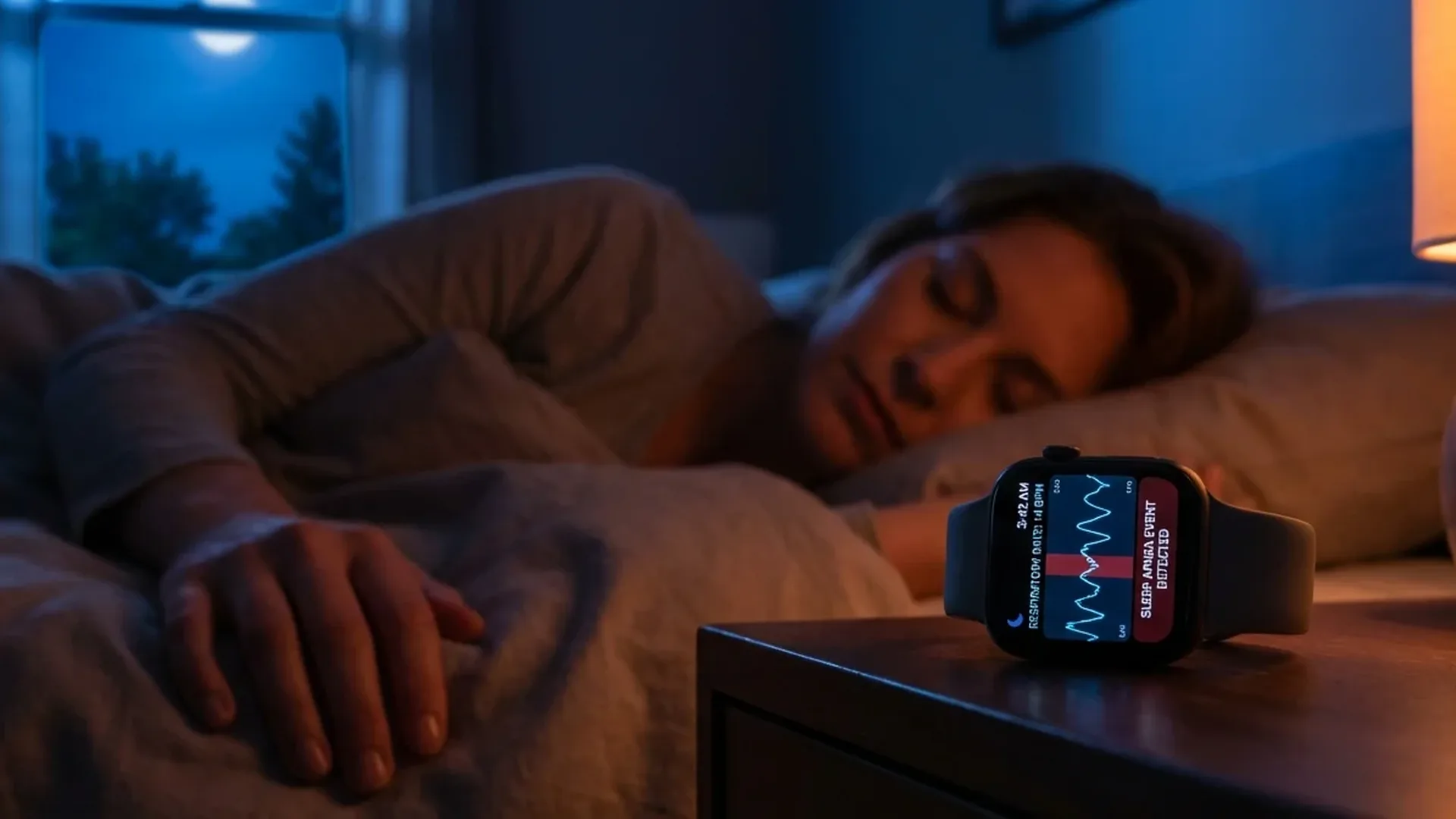
Sleep apnea detection is one of the most significant health features Apple has ever added to the Apple Watch. Authorised by the FDA in September 2024, this capability monitors breathing disturbances while you sleep and can alert you if it detects an elevated pattern. In this comprehensive guide, you will learn exactly what sleep apnea is, how the Apple Watch measures it, how to set up the feature, and what steps to take if you receive a notification.
📖 Read more: Apple Watch vs Galaxy Watch 7: 2026 Comparison
What Is Sleep Apnea
Sleep apnea is a breathing disorder in which breathing repeatedly stops or is significantly reduced during sleep. Each episode can last from a few seconds to over a minute, and it can happen dozens or even hundreds of times in a single night. According to estimates, approximately 1 billion people worldwide suffer from some form of sleep apnea, yet the vast majority have never been diagnosed.
Types of sleep apnea
There are three main types:
- Obstructive sleep apnea (OSA): The most common type. The soft tissues of the throat relax during sleep and partially or completely block the airway
- Central sleep apnea: The brain fails to send proper signals to the breathing muscles. Less common but potentially more serious
- Mixed (complex) sleep apnea: A combination of obstructive and central forms
Why It Matters
Untreated sleep apnea dramatically increases the risk of cardiovascular disease, stroke, type 2 diabetes, hypertension, and depression. The repeated breathing interruptions lower blood oxygen levels and prevent deep, restorative sleep. Many sufferers are completely unaware they have a problem, which is exactly why wrist-based screening matters.
How Apple Watch Detects It
The Apple Watch uses its built-in accelerometer to measure tiny wrist movements associated with breathing during sleep. These micro-movements mirror chest wall motion and can reveal breathing disturbances — periods where breathing becomes irregular, shallow, or stops entirely.
The measurement is called “Breathing Disturbances” and is recorded every night you wear the watch to sleep. A single night is not enough for assessment. The system collects data over a 30-day period and then classifies your breathing pattern into one of two categories:
- Not Elevated: Your breathing disturbances are within normal levels — no action required
- Elevated: Your disturbances are above normal, indicating a possible sleep apnea pattern
If the system identifies an elevated pattern, it sends a notification to your iPhone recommending you consult a doctor. The feature does not diagnose sleep apnea — it functions as a screening tool that prompts you to seek professional evaluation when the data warrants it.
📖 Read more: Apple Watch Beats Doctors at Detecting Atrial Fibrillation
How to Enable the Feature
Setting up sleep apnea detection requires a few steps:
- Ensure you have an Apple Watch Series 10, Series 11, Ultra 2, or Ultra 3
- Open the Health app on your iPhone
- Navigate to Sleep → Sleep Apnea
- Enable Breathing Disturbances tracking
- Activate Sleep Focus on the watch — this is required for sleep data recording
After setup, you will need at least 10 nights of data before the system can provide its first classification. For a full assessment, 30 nights are required. You must wear the watch during sleep and have Sleep Focus enabled for data to be captured each night.
What to Do If You Get a Notification
If you receive an “Elevated Breathing Disturbances” notification, do not panic but do not ignore it either. Here are the recommended next steps:
- Visit a sleep specialist: A pulmonologist or neurologist specialising in sleep medicine is the right doctor to consult
- Polysomnography (sleep study): The gold standard diagnostic test. It can be done in a sleep lab or at home with a portable device. It measures airflow, oxygen levels, brain activity, and much more
- Share your data: You can export your Breathing Disturbances data from the Health app and show it to your doctor. This information can support the initial evaluation
Important Clarification
The Apple Watch does not replace medical diagnosis. The sleep apnea detection feature is a screening tool, not a diagnostic instrument. Only a qualified physician can provide a definitive diagnosis through polysomnography or equivalent clinical evaluation.
📖 Read more: AI Disease Diagnosis: How Apple Watch Data Trains Models
Risk Factors
Sleep apnea can affect anyone, but certain factors significantly increase the risk:
- Obesity: The single most important risk factor. Excess fat around the neck compresses the airway
- Age: Risk increases after 40, peaking between ages 50-70
- Gender: Men are up to 3 times more likely than women to develop OSA, though the gap narrows after menopause
- Anatomy: Narrow airways, enlarged tonsils, recessed jaw
- Smoking and alcohol: Both relax throat muscles and worsen apnea episodes
Recognising the Symptoms
The most common symptoms of sleep apnea include:
- Loud snoring — often loud enough to disturb a sleeping partner
- Gasping or choking sensations during sleep
- Excessive daytime sleepiness, even after what seems like adequate sleep duration
- Morning headaches
- Difficulty concentrating, irritability, and mood changes
- Dry mouth or sore throat upon waking
"Sleep apnea is a silent epidemic. Millions of people live without knowing that the quality of their sleep — and by extension their health — is being undermined every single night. Technology has the potential to change that."
— Dr. Sumbul Desai, VP Health, AppleHealth Consequences If Untreated
Untreated sleep apnea is not simply a matter of poor sleep. The long-term health consequences can be severe:
📖 Read more: Cycle Tracking: Complete Apple Watch Guide
- Cardiovascular disease: Increased risk of hypertension, heart failure, and arrhythmias
- Stroke: Significantly elevated risk of ischaemic stroke
- Type 2 diabetes: Insulin resistance worsens with chronic sleep deprivation
- Depression: Chronic fatigue and poor sleep quality are closely linked to depressive episodes
Apple Watch vs CPAP Monitoring
CPAP (Continuous Positive Airway Pressure) is the primary treatment for moderate to severe sleep apnea — a device that delivers pressurised air through a mask to keep the airway open during sleep. The Apple Watch does not replace CPAP in any way. What it offers is something different but equally valuable: it can identify that you may need evaluation before you ever visit a doctor. For people already using CPAP, the Apple Watch can monitor whether the treatment is working effectively by tracking whether breathing disturbances decrease over time.
Limitations of Wrist-Based Detection
Wrist-based detection has certain limitations compared to clinical polysomnography:
- It does not measure blood oxygen saturation (SpO2) during breathing disturbance measurement — it relies solely on the accelerometer
- It cannot distinguish between obstructive and central sleep apnea
- It requires at least 10 nights of data before providing results
- It will not function if the watch is not worn properly or if Sleep Focus is not enabled
Despite these limitations, clinical studies submitted to the FDA demonstrated good correlation between Apple Watch measurements and polysomnography results. The strength of the feature lies in its passive, effortless operation — it works every night without specialised equipment, appointments, or conscious effort from the user.
📖 Read more: Quitters Day 2026: Apple Watch Beats 80% Failure Rate
Timeline of Apple Watch Health Features
- 2018: ECG (electrocardiogram), fall detection
- 2020: Blood oxygen measurement (SpO2)
- 2022: Wrist temperature tracking, enhanced atrial fibrillation detection
- 2024: Sleep apnea detection (FDA-authorised)
- 2025-2026: Improved algorithms, unified Health dashboard integration
Frequently Asked Questions
Which models support sleep apnea detection?
The feature is available on Apple Watch Series 10, Series 11, Ultra 2, and Ultra 3. Older models are not supported, regardless of their software version.
How accurate is it?
Clinical studies submitted to the FDA showed good correlation with polysomnography results. It does not replace a medical examination, but it is reliable as a screening tool for initial identification of potential problems.
Do I need to wear the watch every night?
For reliable results, yes. The system requires at least 10 nights of data within a 30-day period. The more nights you record, the more reliable the classification becomes.
Can it detect central sleep apnea?
The feature measures overall breathing disturbances without distinguishing between obstructive and central forms. Your doctor will make that distinction through polysomnography if needed.
Does sleep tracking drain the battery?
Battery consumption is minimal. The accelerometer uses very little energy. If you charge the watch for 30 minutes before bed, you will have enough battery to last through the night and the following day.
Are there third-party sleep tracking apps?
Yes, apps such as AutoSleep, Pillow, and Sleep Cycle offer detailed sleep data and analytics. However, the sleep apnea detection feature is exclusive to Apple — no third-party app currently offers equivalent breathing disturbance screening on the Apple Watch.