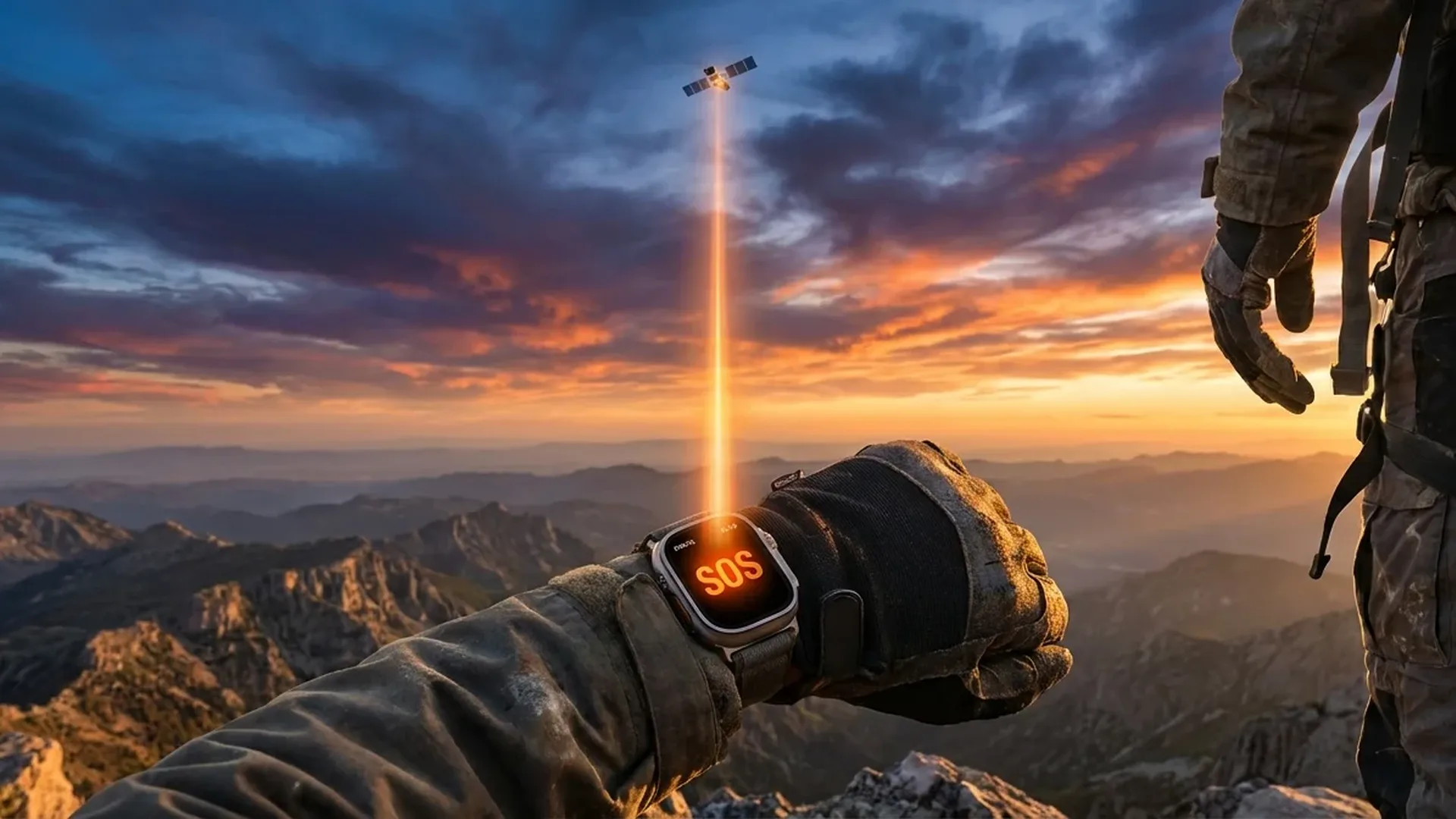
Imagine being stranded on a remote mountain trail with a broken ankle and no cell signal. The Satellite SOS feature on Apple Watch Ultra transforms your wrist into a potential lifeline, connecting you directly to satellites when no cellular or WiFi network is available. As of February 2026, this technology has already helped save hundreds of lives around the world.
📖 Read more: Hiking: Compass and Backtrack Guide
What Is Satellite SOS
Emergency SOS via Satellite first appeared on the iPhone 14 in September 2022 and marked a genuine revolution in personal safety technology. Apple partnered with Globalstar, a satellite communications company, to create a system that allows users to send emergency messages even when completely outside the range of cellular networks and WiFi. With its integration into the Apple Watch Ultra lineup, this technology took on a new dimension — you no longer need to have your iPhone with you at all.
The system uses Globalstar's low Earth orbit (LEO) satellites, which travel at roughly 1,400 kilometres above the Earth's surface. Unlike geostationary satellites, these move constantly, which is why Apple designed a special on-screen guidance system. An animated circle shows you exactly where to aim your wrist so the watch's antenna aligns properly with the passing satellite overhead.
How It Works Step by Step
When there is no cellular or Wi-Fi signal, the Apple Watch automatically presents the satellite connection option in the Emergency SOS menu. The process requires some patience but Apple has made it as straightforward as possible, even under stressful circumstances.
First, the watch asks you to answer a few short questions about your emergency situation — what happened, whether there are injuries, and how many people need help. These answers are compressed into a very small message optimised for satellite transmission. Next, the on-screen guidance appears — a green circle indicates exactly where to point your wrist so the watch's antenna faces the satellite.
Once a connection is established, the message is sent to a relay centre that operates around the clock, seven days a week. Trained specialists receive the message and immediately contact local emergency services — police, fire brigade, or mountain rescue depending on the country. At the same time, if you have set up emergency contacts, they are automatically notified with your location.
Important
Communication via satellite is text-only. You cannot make voice calls through this feature. This is due to the bandwidth limitations of low Earth orbit satellites, which transmit data at much lower rates compared to cellular networks. However, the compressed messages contain all the critical information rescue services need to locate and assist you.
📖 Read more: Maps Offline: Navigation Without Internet
Where It Is Available
Satellite SOS is not yet available in every country. As of February 2026, the service covers the United States, Canada, the United Kingdom, France, Germany, Italy, Spain, the Netherlands, Belgium, Australia, New Zealand, Austria, Portugal, Japan, and several additional countries. Apple continues to expand availability, with more European and Asian markets expected in upcoming rollout phases.
The service is provided free for the first 2 years after device purchase. Apple has not yet announced pricing beyond that period, but analysts estimate it will cost around €4-5 per month after the free period expires. It is worth noting that the free period begins from the date of device activation, not the date of purchase.
Real Rescue Stories
The rescue stories involving Satellite SOS are truly remarkable and demonstrate the life-saving value of this technology. In December 2025, two mountaineers in the Alps became lost during a blizzard. With no cell signal and temperatures below -15°C, they used their Apple Watch Ultra to send their coordinates via satellite. The rescue team located them within < 90 minutes.
In another case in Australia, a hiker was seriously injured in a remote area of the Outback. Satellite SOS transmitted his location and the nature of his injury, and a rescue helicopter arrived in < 2 hours. Without this capability, the injured person could have waited days before being found. In the US, a mountain biker in Utah managed to alert authorities after a severe fall into a canyon where no cellular network had any coverage whatsoever.
"My Apple Watch literally saved my life. I was alone on the mountain, no signal, with a broken leg. Within minutes, help knew exactly where I was."
— Hiker testimony, December 2025📖 Read more: Milanese Loop Titanium: Review and Impressions
Requirements and Limitations
For Satellite SOS to work properly, you need a clear line of sight to the sky. This means you must be in an open area — buildings, dense tree canopy, and deep canyons can block the signal. In open spaces, the connection typically takes < 15 seconds on average. In areas with obstructions, the time increases significantly and it may take several minutes — or fail entirely.
A significant limitation involves battery consumption. Searching for satellites and transmitting data consumes considerable energy. Apple recommends having at least 20% battery before initiating the process. Additionally, the feature is intended exclusively for genuine emergencies — misuse could result in fines or suspension of access to the service.
It is also worth mentioning that the satellite connection does not support sending photos, videos, or large files. Communication is limited to short text messages and location data. Finally, the feature is unavailable above certain geographic latitudes, such as near the poles, although this affects very few users in practice.
Find My via Satellite
Beyond Emergency SOS, Apple also offers Find My via Satellite. This means you can share your location with trusted contacts via satellite even when there is no cellular network. The feature is ideal for hikers and mountaineers who want their family to know their whereabouts in remote areas.
Using Find My via satellite follows a similar process — you point the device towards the satellite and it sends your location. Recipients can see your position on the map through the Find My app on their own iPhone or Mac. The location updates each time you send a new signal, but this is not real-time tracking — you must manually initiate each transmission.
Battery Tip
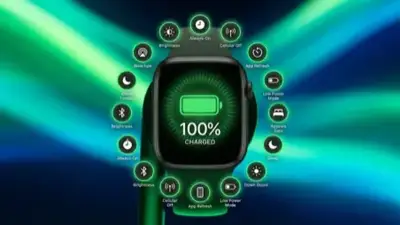
If you are heading into a remote area, enable Low Power Mode before you leave, keep the screen brightness low, disable non-essential notifications, and close background apps. This ensures you have enough battery for a satellite connection if you need one.
📖 Read more: Rivian App: Digital Car Key on Apple Watch
Comparison with Dedicated Satellite Messengers
Before the Apple Watch, satellite communication belonged to specialised — and expensive — devices. The Garmin inReach Mini 2 costs approximately €400 and requires a monthly subscription ranging from €15 to €65 depending on the plan. The SPOT Gen4 starts at around €150 for the device, with annual subscriptions around €120. These devices were designed solely for satellite communication and offer much greater battery life.
The advantage of the Apple Watch is that you do not need a separate device. If you already wear an Apple Watch Ultra, the capability is built right in at no extra cost for the first 2 years. However, dedicated satellite messengers offer two-way messaging, real-time route tracking, the ability to send custom messages to any contact, and batteries that last weeks rather than hours. These features make them more suitable for extended expeditions into truly remote territory, while the Apple Watch is ideal for the average user who wants a safety net on their wrist.
Garmin inReach vs Apple Watch
The Garmin inReach allows two-way messaging with anyone, while the Apple Watch is limited to emergency messages sent to relay centres. If you regularly undertake multi-day trips in remote backcountry, a dedicated satellite device remains the safest choice.
Frequently Asked Questions
Is a subscription required for Satellite SOS?
Not for the first 2 years after purchase. Apple provides free access to the Emergency SOS via Satellite service for 24 months from activation. After that period, a monthly fee is expected but has not been officially announced yet.
Does it work on every Apple Watch?
Satellite SOS is available only on the Apple Watch Ultra, Ultra 2, and Ultra 3. The Series and SE models do not include the necessary satellite transceiver. The feature originally launched on iPhone 14 and later models before being extended to the Ultra lineup.
Can I send a normal text message via satellite?
No. The Apple Watch's satellite connection is exclusively for emergency messages and the Find My feature. You cannot send SMS, iMessage, email, or make voice calls through the satellite link.
What if my battery is low?
Apple recommends at least 20% battery. In critical situations, the watch prioritises the satellite connection over other functions, but there is a risk the battery may deplete before the message transmission is complete.
How quickly does help arrive?
The timing depends on many factors: your location, the availability of rescue services, and weather conditions. The satellite transmission itself completes in < 1-2 minutes, but the physical arrival of help depends on geography and local conditions.
Does it work indoors?
No. Satellite SOS requires a clear line of sight to the sky. Inside buildings, caves, under dense vegetation, or in deep canyons, the connection is impossible or extremely difficult. Move to an open area for the best results.