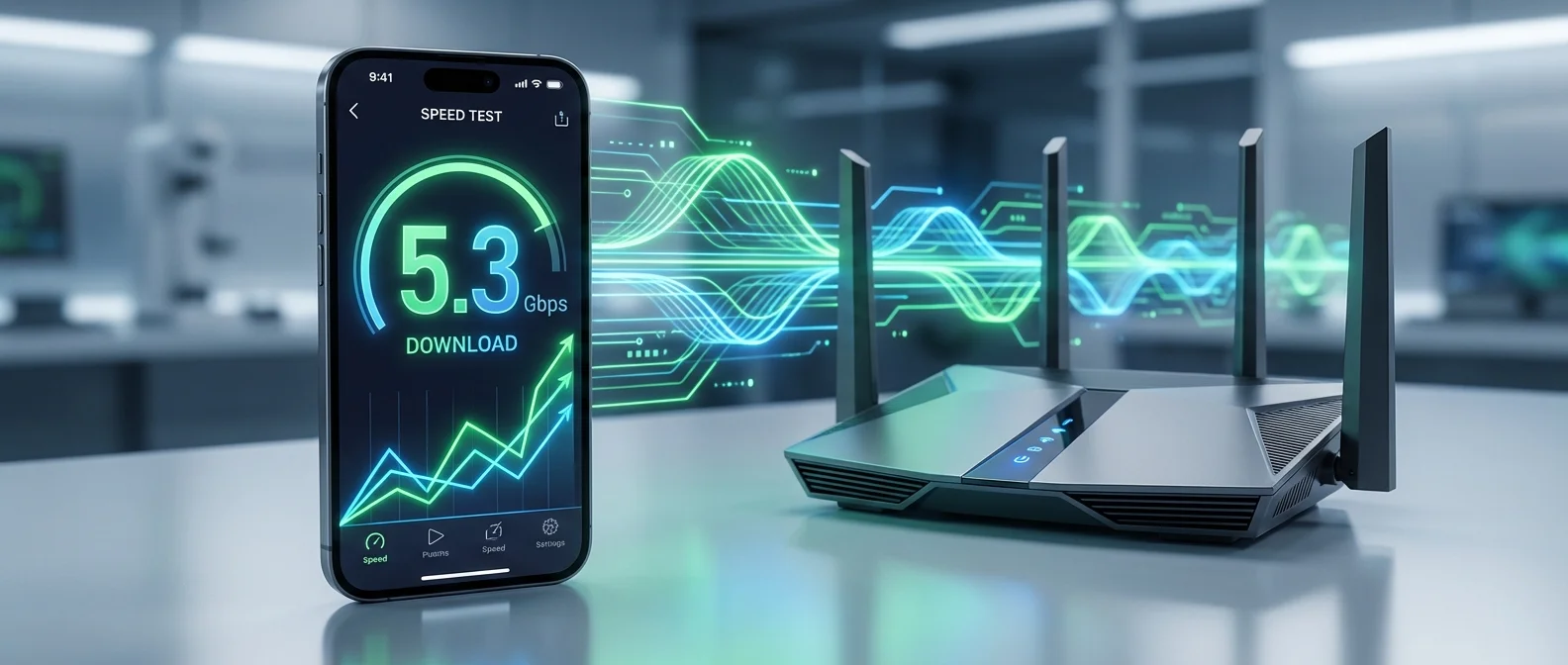
Wi-Fi 7 (IEEE 802.11be) represents the biggest leap in wireless networking technology in years. With theoretical speeds up to 46 Gbps, 320 MHz channels, 4K QAM modulation, and the revolutionary Multi-Link Operation (MLO) technology, Wi-Fi 7 promises wired-like internet — without wires. Apple introduced Wi-Fi 7 in the iPhone 16 Pro and later models, bringing these speeds to your pocket. In this comprehensive guide, we break down what actually changes in practice, how much faster it really is, and whether upgrading your router is worth it.
📖 Read more: iPhone 18: All New Features Coming Fall 2026
What Is Wi-Fi 7 (802.11be)
Wi-Fi 7 is the latest generation of wireless technology, based on the IEEE 802.11be standard. It succeeds Wi-Fi 6 (802.11ax) and Wi-Fi 6E, introducing three fundamental innovations: wider 320 MHz channels (double the 160 MHz of Wi-Fi 6E), denser 4K QAM signal modulation (four times the 1K QAM), and Multi-Link Operation (MLO) that enables simultaneous connections across multiple frequency bands.
The Wi-Fi Alliance officially certified the first Wi-Fi 7 devices in January 2024, and adoption has been accelerating ever since. Wi-Fi 7 operates across three bands simultaneously: 2.4 GHz, 5 GHz, and 6 GHz — the latter being particularly important because it offers more “clean” spectrum without interference from legacy devices.
320 MHz Channels: The Double-Wide Highway
Wi-Fi channels are like highway lanes — the wider they are, the more data can pass through simultaneously. Wi-Fi 6E used channels up to 160 MHz. Wi-Fi 7 doubles that to 320 MHz, essentially creating a highway twice as wide.
In practice, a single Wi-Fi 7 channel can transfer data at rates that previously required two channels. The 320 MHz channels are available exclusively on the 6 GHz band, because only there is enough spectrum available. This means both your router and your device must support 6 GHz.
What This Actually Means: A 15 GB file (e.g., a full 4K movie) that took about 1 minute on Wi-Fi 6E could download in just 25 seconds on Wi-Fi 7 under ideal conditions.
4K QAM: More Data Per Signal
QAM (Quadrature Amplitude Modulation) determines how much data each radio wave carries. Think of it as boxes in a truck: Wi-Fi 6/6E uses 1024-QAM (1K QAM) — meaning each “wave” carries 10 bits of data. Wi-Fi 7 upgrades to 4096-QAM (4K QAM), carrying 12 bits per wave.
This 20% improvement in raw data density might seem modest in absolute numbers, but combined with 320 MHz channels, it multiplies overall throughput. However, 4K QAM requires a strong signal — it only works efficiently at short distances from the router (3-5 meters). At greater distances, the connection automatically falls back to lower QAM levels.
MLO (Multi-Link Operation): The Real Revolution
MLO technology is the most significant Wi-Fi 7 innovation — and the one that makes the biggest practical difference. In previous Wi-Fi generations, your device connected to only one band at a time (e.g., only 5 GHz) and could switch to another if conditions worsened.
With MLO, a Wi-Fi 7 device can connect simultaneously to two or three bands (2.4 GHz + 5 GHz + 6 GHz) and use them all together. This works in three ways:
- Aggregation: Combines bandwidth from multiple bands for maximum speed — like driving on three highways simultaneously
- Redundancy: Sends identical data across multiple bands for maximum reliability — if packets are lost on one band, they arrive via another
- Traffic Steering: Routes critical data (e.g., gaming, video calls) through the fastest/most stable band
The result is dramatically lower latency and near-zero chance of disconnections. For gaming, video calls, and 4K/8K streaming, this technology makes a tremendous difference.
📖 Read more: iPhone Air Review: 4 Months Later – Is It Worth $999?
For Gamers: MLO reduces latency to under 1ms in ideal conditions — comparable to a wired Ethernet connection. For cloud gaming (Xbox Cloud, GeForce NOW, PS Remote Play), this means you can game wirelessly with no perceptible lag.
Multi-RU Puncturing: Avoiding Interference
In previous Wi-Fi standards, if any portion of a wide channel was being used by another device (e.g., radar, neighboring router), the entire channel was unavailable. Wi-Fi 7 introduces "puncturing": the device can skip the occupied portion and use the rest of the channel normally.
In practice, this means more stable and faster speeds even in congested environments — apartment buildings, offices, public spaces — where multiple Wi-Fi networks overlap.
Comparison: Wi-Fi 5 vs 6 vs 6E vs 7
The theoretical numbers are impressive, but what do they mean in real life? In real-world testing:
- Wi-Fi 5: 200-400 Mbps actual speed
- Wi-Fi 6: 400-800 Mbps actual speed
- Wi-Fi 6E: 800-1,500 Mbps actual speed (on 6 GHz)
- Wi-Fi 7: 1,500-3,000+ Mbps actual speed (with MLO + 6 GHz)
The improvement is particularly noticeable in latency: Wi-Fi 7 with MLO can achieve under 2ms — something unthinkable wirelessly just a few years ago.
Which iPhones Support Wi-Fi 7
Apple introduced Wi-Fi 7 in the iPhone 16 Pro and iPhone 16 Pro Max (September 2024). The standard iPhone 16 and iPhone 16 Plus support Wi-Fi 6E but not Wi-Fi 7. This means:
- Wi-Fi 7: iPhone 16 Pro, iPhone 16 Pro Max, expected in all iPhone 17 models
- Wi-Fi 6E: iPhone 15 Pro, iPhone 15 Pro Max, iPhone 16, iPhone 16 Plus
- Wi-Fi 6: iPhone 11, 12, 13, 14, 15 (standard models)
- Wi-Fi 5: iPhone X and older
To fully leverage Wi-Fi 7 capabilities, you also need a Wi-Fi 7 router. Without one, the iPhone 16 Pro will operate at your router's maximum (e.g., Wi-Fi 6 or 6E). The connection is fully backward compatible.
Wi-Fi 7 Routers: 2026 Price Guide
The Wi-Fi 7 router market has matured rapidly. Prices have dropped significantly compared to 2024. Here are the most popular options:
Budget (Under $200)
- TP-Link Archer BE550: ~$150 — Tri-band, MLO, 6,500 Mbps. Excellent entry-level Wi-Fi 7
- TP-Link Archer BE230: ~$100 — Dual-band, 3,600 Mbps. The most affordable option
Mid-Range ($200-$400)
- ASUS RT-BE86U: ~$280 — Tri-band, 10,000 Mbps, AiMesh support
- Netgear Nighthawk RS300: ~$300 — Tri-band, MLO, 9,300 Mbps
- TP-Link Deco BE65 (2-pack mesh): ~$250 — Ideal for large homes
Premium (Over $400)
- ASUS ROG Rapture GT-BE98: ~$550 — Quad-band, 25,000 Mbps, gaming-focused
- Netgear Orbi 970 (2-pack mesh): ~$700 — Premium whole-home mesh, 27 Gbps
Tip: If your internet provider delivers up to 200-300 Mbps, your download speeds won't change with a Wi-Fi 7 router. The benefits show mainly in local file transfers, latency, and stability in homes with many devices. If you have 1 Gbps fiber, you'll see a massive improvement.
📖 Read more: iPhone Battery 39 Hours: The Technology Behind the Record
Real-World Benefits in Daily Use
Beyond the numbers, how does the upgrade translate to real use?
- 4K/8K Streaming: Zero buffering, even simultaneously on multiple devices. A home with 3-4 4K screens won't experience any lag
- Video Calls: Crystal-clear quality without freezing, even on crowded Wi-Fi networks
- Gaming: Truly wireless gaming without lag — especially important for cloud gaming and competitive multiplayer
- Smart Home: Dozens of IoT devices (thermostats, cameras, lights) without choking the network
- AirDrop/File Transfer: Large file transfers between iPhone, iPad, and Mac in seconds
- AR/VR: Apple Vision Pro and future AR apps require very low latency — Wi-Fi 7 with MLO is ideal
The Future: Wi-Fi 7 Updates and Wi-Fi 8
Wi-Fi 7 isn't static — it continues evolving through firmware updates. Several router manufacturers are already unlocking new MLO capabilities through software upgrades. Full utilization of 802.11be is expected by late 2026.
The industry is already planning Wi-Fi 8 (802.11bn), expected after 2028 with speeds exceeding 100 Gbps and AI-based real-time network optimization. However, for 2026, Wi-Fi 7 represents cutting-edge technology that will remain competitive for at least 4-5 more years.
"Wi-Fi 7 isn't just 'faster Wi-Fi.' It's the first generation of wireless connectivity that can truly replace Ethernet in performance, reliability, and latency — thanks to MLO."
— Intel Wi-Fi 7 Technical OverviewFrequently Asked Questions
Do I need a Wi-Fi 7 router for my iPhone 16 Pro?
It's not mandatory — the iPhone 16 Pro is backward compatible with Wi-Fi 6, 6E, and 5. However, to take advantage of Wi-Fi 7 capabilities (320 MHz, MLO), you need a Wi-Fi 7 router.
Will my internet get faster?
Only if your ISP provides speed equal to or greater than what Wi-Fi 7 can deliver. If you have 100 Mbps DSL, Wi-Fi 7 won't download faster than your internet connection. The benefits are in the local network — file transfers, latency, and stability.
Is the router upgrade worth it now?
If you have a Wi-Fi 5 router, definitely yes — the difference will be enormous. If you already have Wi-Fi 6E, the upgrade is worth it only if you need very low latency (gaming), have many devices, or have 1 Gbps+ fiber. An entry-level Wi-Fi 7 router at $100-150 is a good long-term investment.
Does Wi-Fi 7 work with older devices?
Yes, every Wi-Fi 7 router supports older devices (Wi-Fi 6, 5, 4). Older devices will simply connect at whatever band and speed they support.
What about Wi-Fi issues on my iPhone?
If your iPhone experiences Wi-Fi connectivity problems (disconnections, slow speeds, can't find networks), it may be due to a faulty Wi-Fi antenna. At OnOff.gr, we offer free diagnostics and Wi-Fi antenna replacement on all iPhone models.