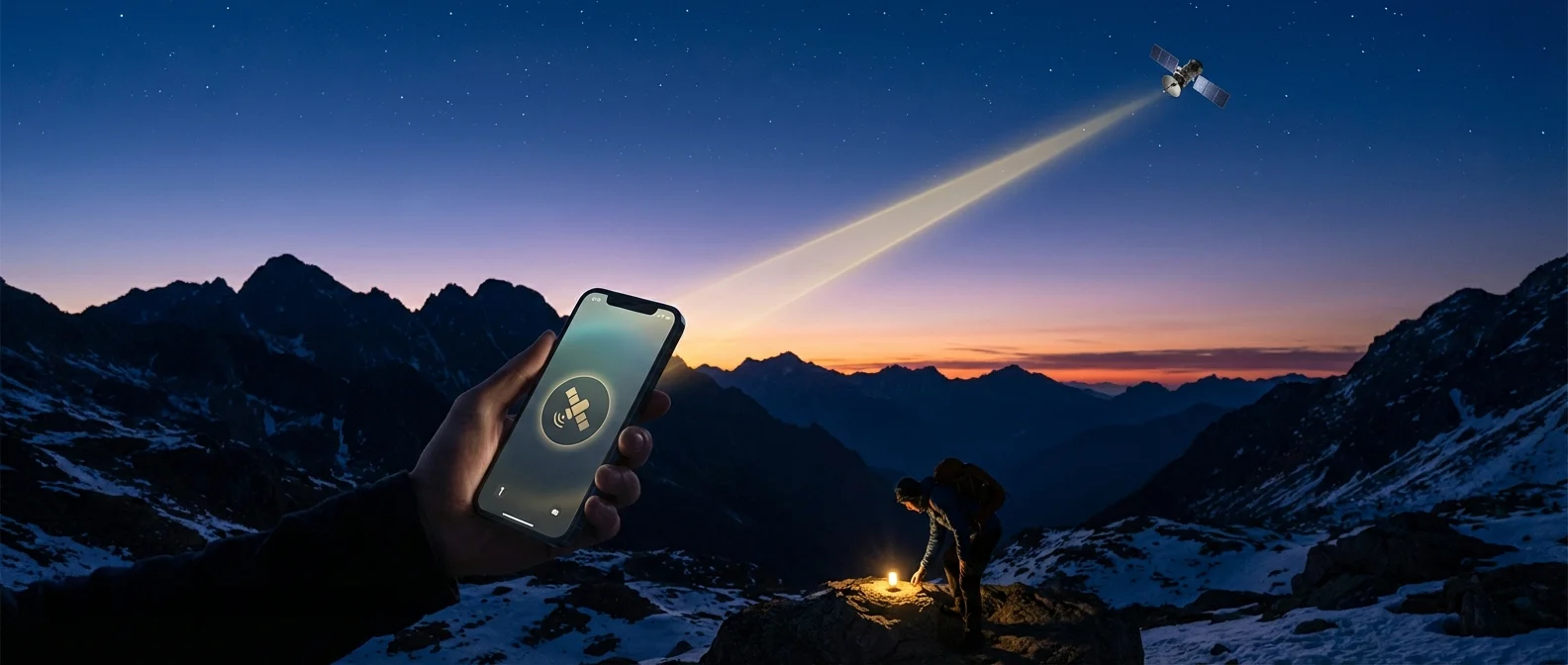
Picture yourself on a remote mountainside with no cell signal, desperately needing help. Until recently, you'd be completely on your own. But since 2022, Apple changed the game with Emergency SOS via Satellite — a feature that has literally saved lives, and it's available across Europe including Greece.
📖 Read more: Action Mode iPhone: Stable Video Without a Gimbal
What Is Emergency SOS via Satellite?
Emergency SOS via Satellite lets your iPhone send emergency messages directly through satellites when there's no cellular or Wi-Fi coverage available. It uses Globalstar's satellite network — a constellation of low-Earth orbit (LEO) satellites covering most of the planet.
The feature doesn't replace a regular phone call. Instead, it sends short text-based messages to emergency services through Apple's relay centers. Apple designed a question-and-answer system so you can quickly describe your situation without typing lengthy messages.
How Satellite Connection Works
When you activate Emergency SOS via satellite, your iPhone searches for an available satellite overhead. The screen displays a visual guide that directs you to point the phone in the right direction.
How fast is it? In ideal conditions (clear sky, no obstructions), a message sends in about 30 seconds. Under light foliage, it may take over a minute. In dense forests or indoors, the connection won't work.
Once a satellite is found, the iPhone transmits your details — GPS location, battery status, and your questionnaire answers — to Apple's relay centers. They then forward everything to local emergency services.
Which iPhones Support It?
The feature launched with the iPhone 14 series and is available on all models from iPhone 14 onwards. Older iPhones can't use it regardless of software updates, as it requires specialized satellite hardware.
Step-by-Step: How to Send SOS via Satellite
The process is surprisingly simple, even in a panic:
1. Call your local emergency number (112 in Europe). If there's no cellular or Wi-Fi connection, you'll see the “Emergency Text via Satellite” option.
2. Answer the questions. Your iPhone will ask what's happening — accident, fire, injury, etc. This helps emergency services prepare.
3. Point your iPhone at the sky. Follow the on-screen connection guide to “find” the satellite.
4. Wait for transmission. The message sends automatically once a connection is established.
5. Emergency contacts notified. Optionally, people you've set as emergency contacts can be alerted too.
Pro tip: You can use the Connection Assistant from the Control Center or Settings to practice the satellite connection before you actually need it in an emergency.
Real-Life Rescue Stories
Emergency SOS via Satellite isn't theoretical technology — it has already saved dozens of lives worldwide:
"A family in Maui managed to communicate via satellite during the catastrophic wildfires of August 2023, when all cellular networks had collapsed."
📖 Read more: USB-C iPhone: Complete Port & Accessories Guide
— MacRumors, August 2023400-foot canyon fall near Mount Wilson: In July 2023, a man in Los Angeles fell into a 400-foot canyon near Mount Wilson. He used his iPhone 14 to send an SOS via satellite and was rescued.
Broken leg on a trail: In June 2023, a hiker in California broke her leg at Trail Canyon Falls. Without signal, she used her iPhone's satellite feature and help arrived in under an hour.
Students trapped in a canyon: In April 2023, a group of students got trapped in a Utah canyon during canyoneering. Satellite messaging was their only lifeline.
Coverage in Europe
The service is available across the European Union and many additional countries, including: the US, Canada, UK, France, Germany, Ireland, Italy, Austria, Belgium, Luxembourg, Netherlands, Portugal, Spain, Switzerland, Australia, New Zealand, and Japan.
Not available in: Armenia, Belarus, China, Kyrgyzstan, Kazakhstan, and Russia. It also doesn't work above 62° north or south latitude.
Messages via Satellite (iOS 18)
With iOS 18, Apple expanded satellite technology beyond emergencies. You can now send regular iMessages via satellite — even in non-emergency situations. These messages are end-to-end encrypted, just like regular iMessages. The feature initially rolled out in the US and Canada, with gradual expansion to more countries.
Cost & Availability
Apple initially announced the service would be free for 2 years from each device's activation. In a welcome move, Apple extended the free access for iPhone 14 and iPhone 15 users through September 2025. No monthly or annual subscription has been announced.
Limitations to Keep in Mind
Requires clear sky: Won't work indoors, under dense foliage, or under a roof.
Text only: No voice calls — only text messages via the special protocol.
Latitude limits: Doesn't work above 62° north or south (not an issue in Greece or most of Europe).
Transmission time: Can range from 30 seconds to several minutes depending on conditions.
Final Thoughts
Emergency SOS via Satellite transforms the iPhone from a smartphone into a survival tool. If you own an iPhone 14 or newer, take a few minutes to familiarize yourself with how it works. You'll hopefully never need it — but if you do, you'll be glad it's there.