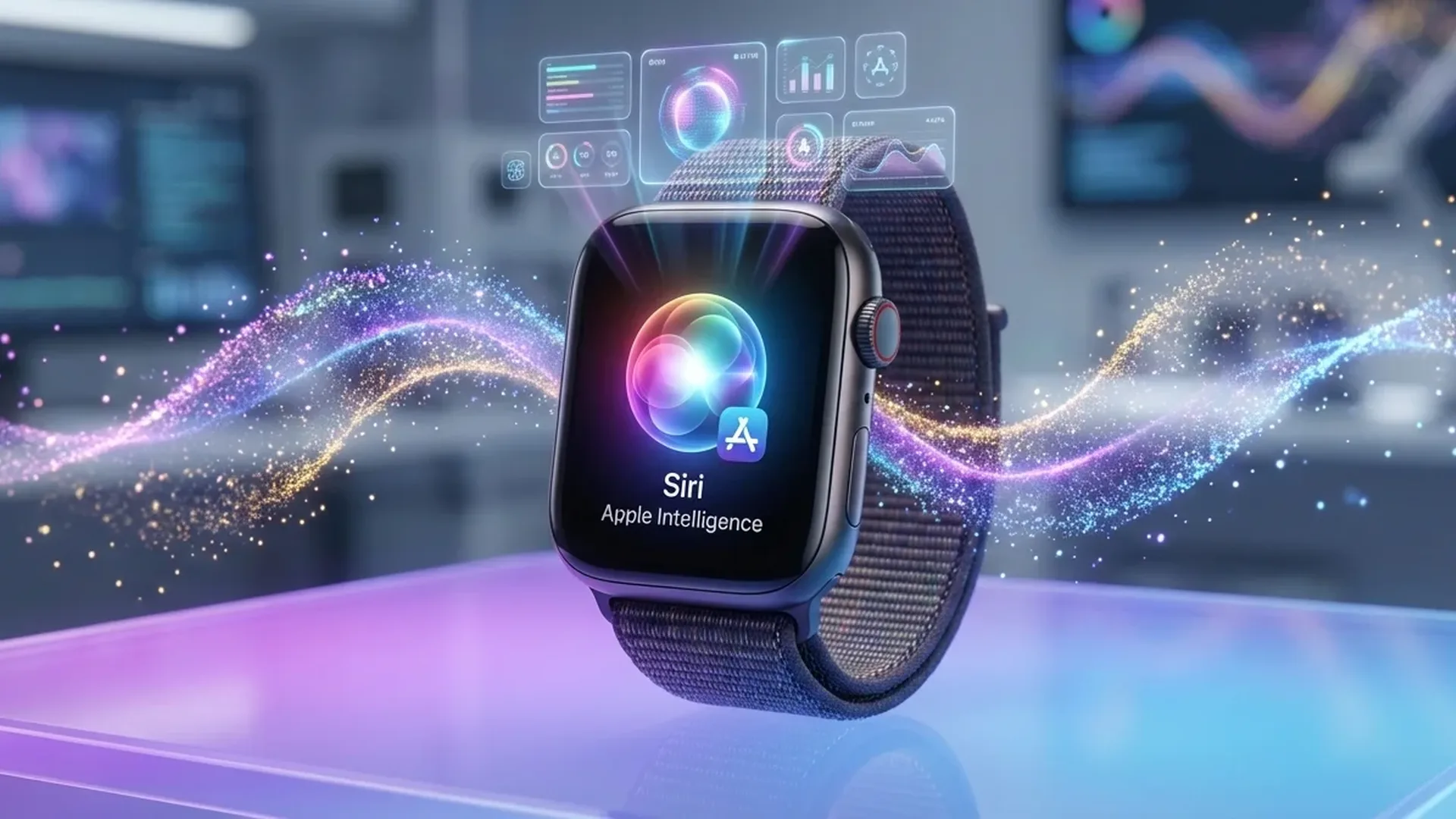
In June 2025, Apple announced the biggest artificial intelligence upgrade to ever reach your wrist: Apple Intelligence arrives on Apple Watch through watchOS 26. From a personalized AI coach that motivates you during workouts to real-time message translation right on your wrist, these capabilities fundamentally change how we use our smartwatch every day.
📖 Read more: AI Disease Diagnosis: How Apple Watch Data Trains Models
What Is Apple Intelligence?
Apple Intelligence is Apple's artificial intelligence system, designed to run on-device — meaning directly on your hardware — without sending your data to external servers. It originally launched on iPhone 15 Pro, iPhone 16 models, iPad, and Mac, but with watchOS 26, it now extends to Apple Watch as well. The core philosophy is simple: AI should be useful, personal, and — above all — private.
On Apple Watch, Apple Intelligence doesn't replace what the watch already does well. Instead, it enhances existing features: workouts, messages, notifications, and Siri. It's worth noting that AI features on the Watch require a paired iPhone with Apple Intelligence (iPhone 15 Pro or later), since much of the heavy processing happens on the phone and is relayed to the watch via Bluetooth.
Workout Buddy: Your AI Coach on Your Wrist
The most impressive new feature is undoubtedly Workout Buddy. It's a first-of-its-kind fitness experience powered by Apple Intelligence that analyzes your workout data and fitness history to generate personalized, motivational insights during your exercise sessions. This marks the first time artificial intelligence has been so deeply integrated into a smartwatch workout experience.
How does it work in practice? As you start a run, Workout Buddy delivers a personalized "pep talk": it might tell you how many miles you've run this week, how close you are to closing your Exercise ring, or remind you of a recent personal record. During the workout, it marks key milestones — your mile split times, new records, noteworthy stats — and delivers them vocally through your Bluetooth headphones.
What Does It Sound Like?
Workout Buddy uses a new text-to-speech model that creates a dynamic generative voice, built using voice data from Apple Fitness+ trainers. This gives it the right tone, energy, and style for a workout — like having a real personal trainer by your side.
When you end your workout, you receive a complete recap: distance, time, average pace, average heart rate, and performance commentary. For example: "Great workout! You went 4.3 miles in 38 minutes — that was your longest run in the last 28 days." Supported workout types include: Outdoor/Indoor Run, Outdoor/Indoor Walk, Outdoor Cycle, HIIT, and Functional and Traditional Strength Training. Bluetooth headphones and a nearby iPhone with Apple Intelligence are required. The feature is currently available in English only.
Live Translation in Messages
With watchOS 26, Apple Watch now supports Live Translation in the Messages app via Apple Intelligence. Incoming texts are automatically translated into your preferred language, right on your wrist, without needing to pull out your iPhone.
Translation works both ways: you type in your language (or use dictation) and your contact receives the message in theirs. Supported languages include: English (US, UK), French, German, Italian, Japanese, Korean, Portuguese (Brazil), Spanish, and Chinese (Simplified). Greek is unfortunately not yet supported, but Apple continues to add languages with each major update.
The feature is available on Apple Watch Series 9, Series 10, and Ultra 2, when paired with an Apple Intelligence-enabled iPhone. Combined with the new customizable message backgrounds — which now also appear on the Watch — the messaging experience is more personal than ever.
📖 Read more: Apple Watch AFib After Ablation: New Clinical Study
Smart Stack Hints: Suggestions Before You Think of Them
The Smart Stack — the widget stack that appears when you scroll above your watch face — becomes significantly more proactive in watchOS 26. The new Smart Stack Hints incorporate sensor data, location, and your daily routine to suggest actions before you even think of them.
Some practical examples: you're in a remote location with no signal? A hint for Backtrack navigation appears. You arrive at the gym at your usual time? A Pilates workout suggestion pops up. You reach a ski resort? The Slopes app automatically surfaces in the Smart Stack. Hints appear as a gentle visual prompt on the display with the new Liquid Glass design, so they're helpful without being intrusive.
New APIs for Developers
With the new Smart Stack Relevance API and Control Widget API, third-party developers can surface widgets in the Smart Stack based on location (Points of Interest) and create custom controls for Control Center and the Action Button. New SwiftUI APIs also enable adoption of the Liquid Glass design.
Smart Reply & Intelligent Actions
Smart Replies on Apple Watch become far more accurate thanks to an improved on-device language model. Instead of generic responses like “OK” or “Thanks,” the watch now analyzes the actual content of a conversation and suggests appropriate, contextual replies. This feature is available on Series 9, Series 10, and Ultra 2.
Even more interesting: the Watch can now suggest intelligent actions based on conversation context. If a friend asks you “let me know when you get home,” the Watch automatically suggests Check In. If someone asks you to chip in for a group gift, an Apple Cash suggestion appears. You can also respond to polls directly from your wrist. These features are currently available only when the device language is set to English.
Wrist Flick & Auto Volume
watchOS 26 introduces a new gesture: a quick wrist flick — turning your wrist over and back — instantly dismisses notifications. The motion is recognized through a machine learning model that analyzes accelerometer and gyroscope data from the watch. It works for notifications, calls, timers, alarms, and returning to the watch face. Perfect when you're cooking, holding coffee, or walking the dog and both hands aren't free.
Additionally, speaker volume now adjusts automatically based on ambient noise in your surroundings. It lowers in quiet rooms and gets louder in noisy environments — for notifications, timers, alarms, calls, and Siri. These features are available on Series 9, Series 10, and Ultra 2.
📖 Read more: Apple Watch and Life Insurance: How Exercise Saves You Money
Privacy & Private Cloud Compute
Apple emphasizes that privacy sits at the core of Apple Intelligence. The majority of processing happens on-device — your data never leaves your hardware. For more complex tasks that exceed local capabilities, Private Cloud Compute kicks in: a cloud system running on Apple Silicon servers, with strict guarantees that your data is never stored, never accessible even by Apple, and can be independently verified by security researchers.
Specifically for Apple Watch features — such as Workout Buddy insights — health and fitness data analysis happens privately and securely, ensuring your personal data remains exclusively yours. This approach significantly differentiates Apple Intelligence from competing AI solutions that rely entirely on cloud processing.
Compatibility & Requirements
watchOS 26 is available as a free update for Apple Watch Series 6 or later, Apple Watch SE (2nd generation), and all Ultra models, when paired with iPhone 11 or later running iOS 26. However, Apple Intelligence features require specific hardware:
- Apple Watch: Series 9, Series 10, SE (3rd generation), or Ultra 2 and later
- iPhone: iPhone 16 (any model), iPhone 15 Pro, or iPhone 15 Pro Max
- Language: Siri and device language must be set to the same supported language
- Apple Intelligence: must be enabled in iPhone Settings
"Apple Watch uses intelligence to offer an even more personalized experience — from Workout Buddy to smarter suggestions in the Smart Stack and Messages."
— David Clark, Senior Director of watchOS Engineering, Apple
Frequently Asked Questions (FAQ)
Do I need an iPhone for AI features on the Watch?
Yes. Apple Intelligence features on Apple Watch require a paired iPhone 15 Pro/Pro Max or iPhone 16 with Apple Intelligence enabled. The heavy AI processing occurs on the phone and is relayed to the watch.
Does Workout Buddy work in languages other than English?
Not yet. Workout Buddy launches exclusively in English. Apple hasn't announced when additional languages will be supported, but gradual expansion is expected in future updates.
Can I translate messages to my language?
Live Translation in Messages supports English, French, German, Italian, Japanese, Korean, Portuguese, Spanish, and Chinese. More languages are being added with each major update — check Apple's support page for current availability.
Which Watch models support Apple Intelligence?
AI features require Apple Watch Series 9, Series 10, SE 3rd generation, or Ultra 2. Older models receive watchOS 26 but without AI capabilities.
When was watchOS 26 released?
Apple announced watchOS 26 on June 9, 2025, at WWDC. The public release was in fall 2025 as a free software update, alongside iOS 26 and iPadOS 26.