📖 Read more: iPhone 18 Pro: Periscope Camera with 10× Zoom
📸 What Is Apple ProRAW
ProRAW launched in December 2020 with the iPhone 12 Pro lineup and offers a unique approach to RAW photography. Unlike traditional RAW files from digital cameras, ProRAW combines the sensor's raw data with Apple's computational photography pipeline — Deep Fusion, Smart HDR, and Night mode. The result is a DNG file with massive dynamic range, 14-bit color depth, and full editing freedom.
To enable it, go to Settings → Camera → Formats → Apple ProRAW. In the Camera app, tap “RAW” in the top right to toggle it per shot. On the iPhone 17 Pro with its 48MP Fusion sensor, ProRAW files can reach ~65MB — significantly larger than the ~25MB at 12MP. Make sure you have enough storage.
🎬 What Is ProRes
ProRes is a family of intermediate codecs developed by Apple in 2007, designed exclusively for post-production. Unlike delivery codecs (such as H.264/H.265), ProRes uses intra-frame compression — each frame is stored independently, with no dependencies on surrounding frames. This ensures excellent quality during color grading and ultra-fast scrubbing on the timeline.
ProRes was awarded an Engineering Emmy Award in 2020 for “Outstanding Achievement in Technology” and is widely used in cinema productions, commercials, streaming, and Blu-ray. The main profiles include ProRes 422 (4:2:2, 10-bit), ProRes 422 HQ, ProRes LT, ProRes Proxy, and ProRes 4444 (4:4:4, 12-bit, alpha channel support).
Storage Note: One minute of ProRes 4K at 30fps takes up roughly 6GB. At ProRes HQ, the data rate reaches 737 Mbit/s (4K 25p). Make sure you have a model with at least 256GB of storage — or use an external SSD via USB-C.
🚀 ProRes RAW: The Big Innovation on iPhone 17 Pro
The iPhone 17 Pro is the first smartphone in the world to support ProRes RAW, Apple's most advanced video codec. According to Apple, ProRes RAW “offers the highest level of control and quality” — it applies ProRes compression directly to the sensor's raw data, deferring debayering to the post-production stage.
This means the editor gets full control over white balance, exposure, highlight recovery, and color science — something that was impossible with standard ProRes. ProRes RAW is stored in 16-bit quality inside a .mov container and is natively supported by Final Cut Pro, Adobe Premiere Pro, DaVinci Resolve, and Assimilate Scratch.
"iPhone 17 Pro is the first smartphone to support ProRes RAW — this industry-leading Apple-developed video codec offers the highest level of control and quality."
— Apple.com, iPhone 17 Pro📖 Read more: Macro Photography iPhone: Capturing the Tiny World
📱 ProRes on iPhone: A Brief History
ProRes support on iPhone has evolved significantly:
- iPhone 13 Pro (2021): First iPhone with ProRes — up to 4K 30fps ProRes HQ with Dolby Vision HDR. 128GB models were limited to 1080p.
- iPhone 15 Pro (2023): Added Apple Log for professional color grading, ProRes up to 4K 60fps to external SSD via USB-C.
- iPhone 17 Pro (2025): 🆕 ProRes RAW (first smartphone), Apple Log 2, genlock & timecode via Blackmagic Camera ProDock, 4K 120fps Dolby Vision, open gate recording.
⚖️ ProRAW vs ProRes: When to Use Each?
ProRAW is for photos you want to edit in depth — ideal for Lightroom, Darkroom, Photoshop, or Snapseed. It gives you full control over exposure, highlights, shadows, white balance, and noise reduction without quality loss, thanks to the 14-bit DNG format.
ProRes (and ProRes RAW) is for video destined for an editing timeline — Final Cut Pro, DaVinci Resolve, Premiere Pro. If you're only shooting video for social media, you don't need ProRes. For cinema work, documentaries, or professional productions, it's a game-changer.
🔧 Editing Workflow
For ProRAW photos: Open DNG files in Lightroom Mobile, Darkroom, or Snapseed. Adjust exposure, highlights, shadows with full dynamic range. The 48MP ProRAW files offer exceptional detail when cropping and zooming.
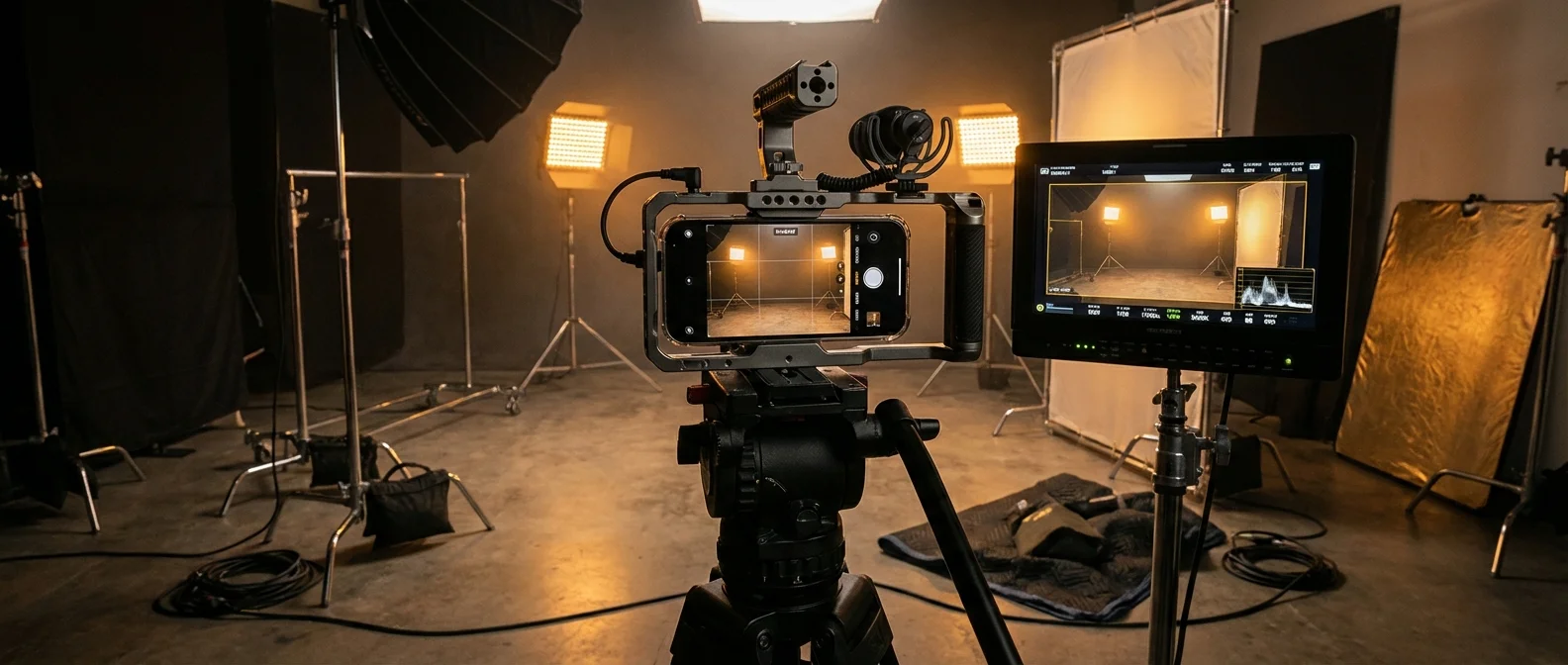
For ProRes/ProRes RAW video: Transfer files via AirDrop or USB-C to your Mac or PC. ProRes RAW in Final Cut Pro gives you full RAW controls on the timeline — white balance, ISO, exposure — as if you were working with footage from an Arri Alexa or RED camera.
Tip: For maximum ProRes/ProRes RAW quality, connect an external SSD (USB-C, at least 10Gbps) and record directly to it. This avoids storage limitations and ensures a stable data rate.
Sources:
Apple — iPhone 17 Pro — ProRes RAW, Pro Video Features
Wikipedia — Apple ProRes — History, Specifications, Data Rates